Schedule a Property Showings, Add Host & Visitors
Learn how to set up a new property showing and register visitors, including managing guest details and activity logs.

Durga B
Last Update 3 months ago
1. Access "General" from sidebar

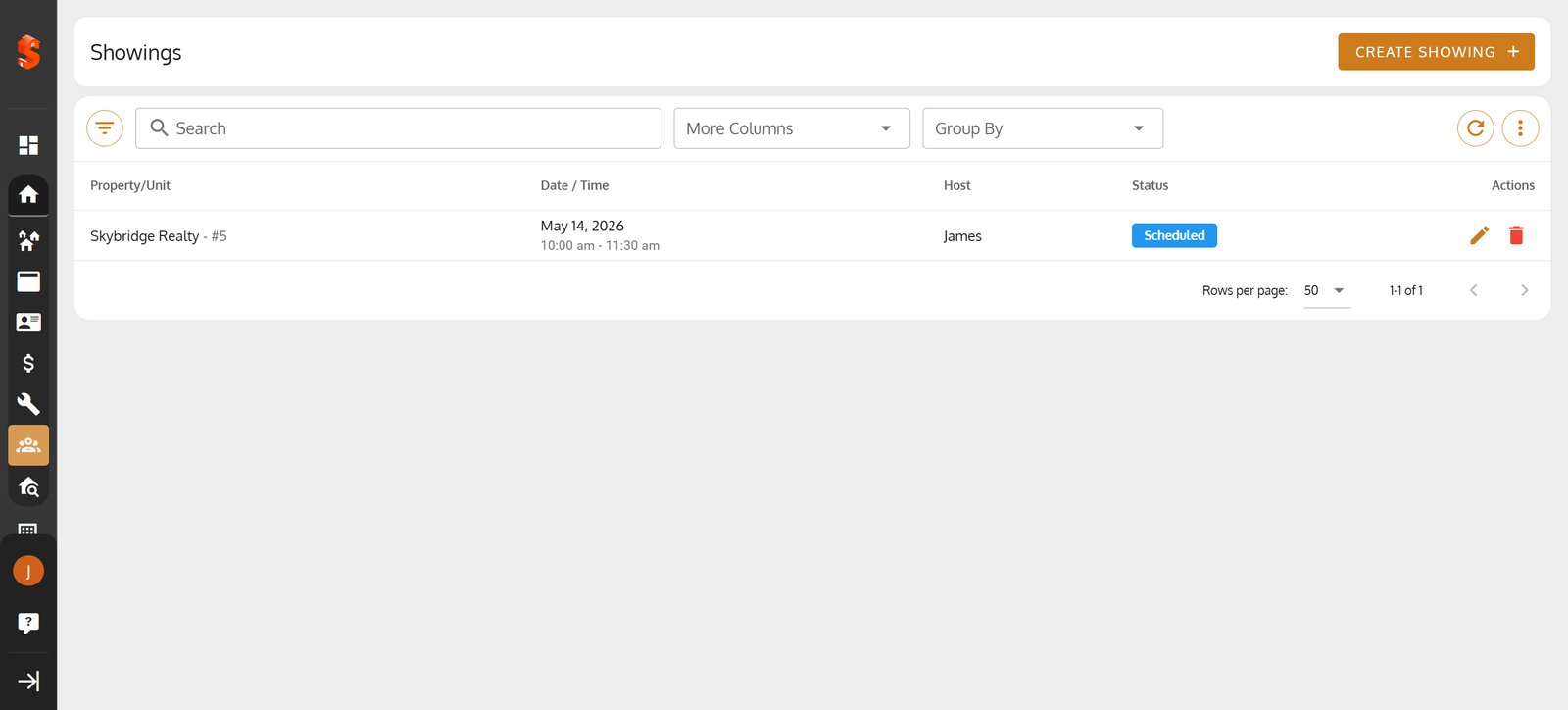
2. Switch to the Showings section to manage leases and tour schedules effortlessly.

3. Click on 'Create Showing' to schedule a new property tour for prospective renters.

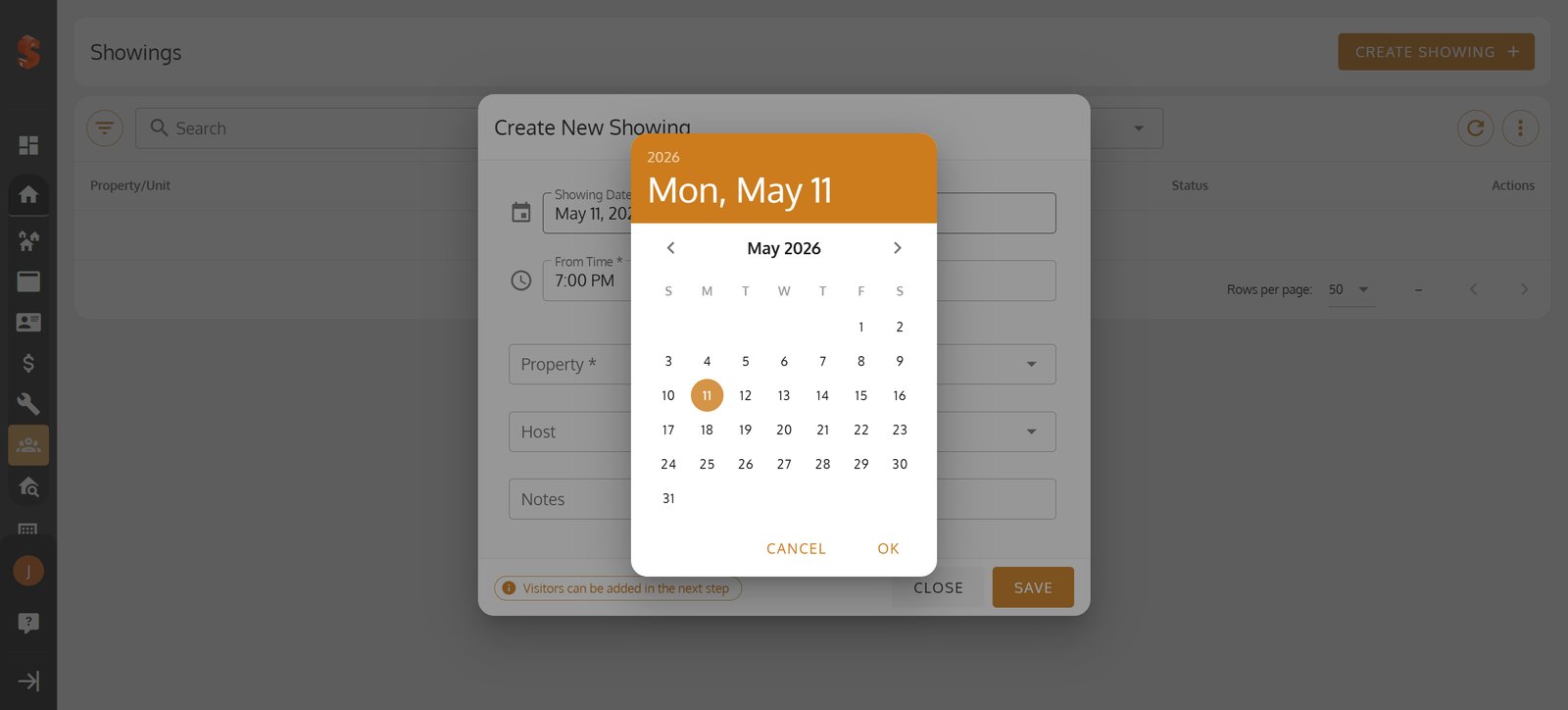
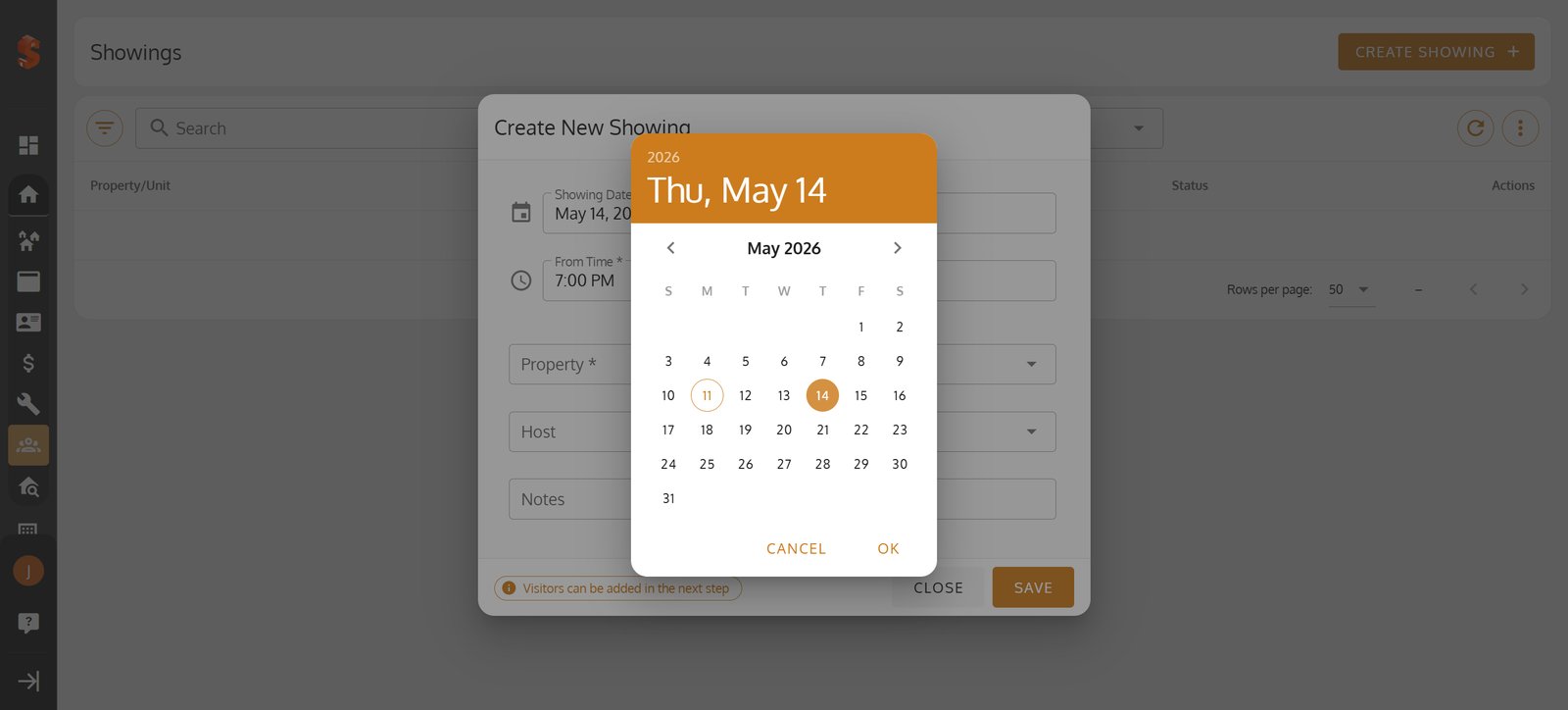
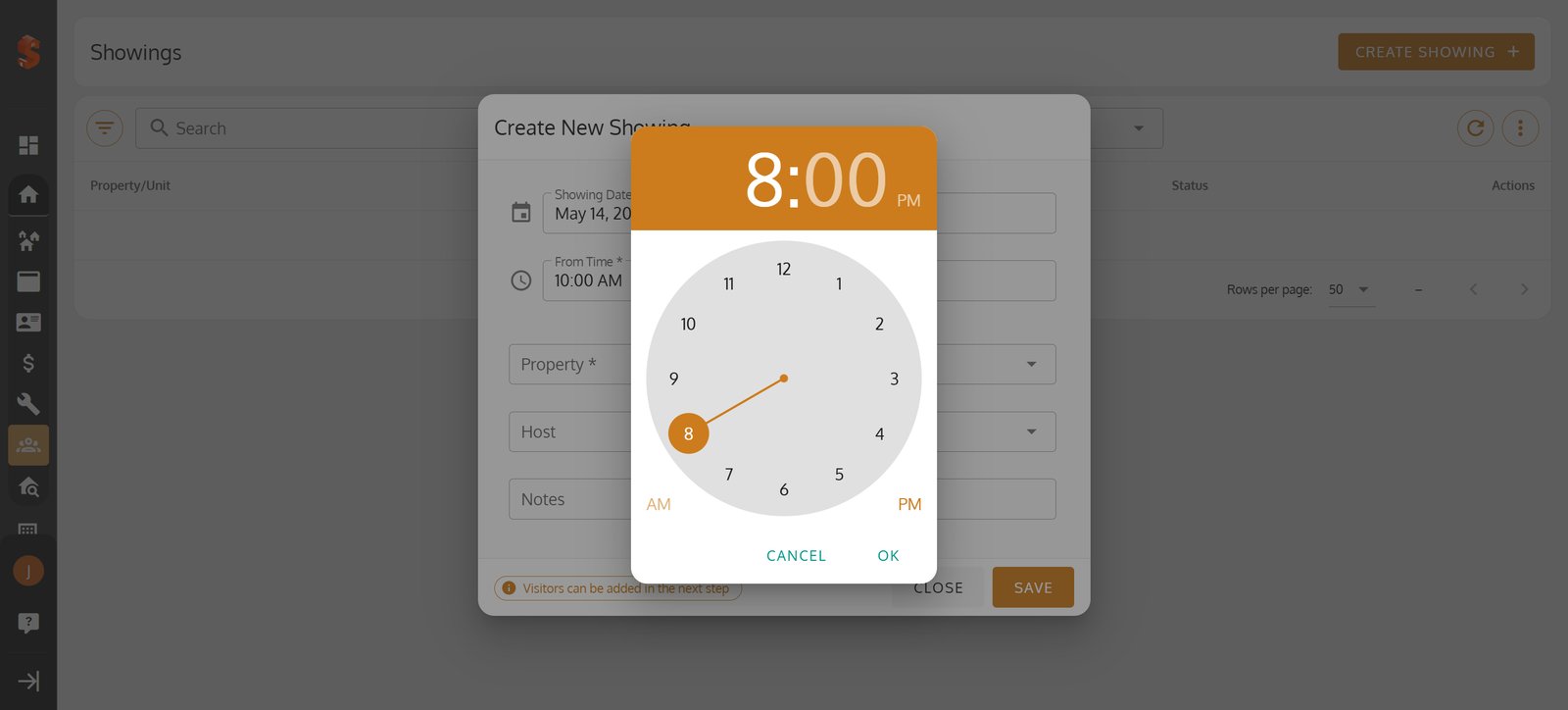
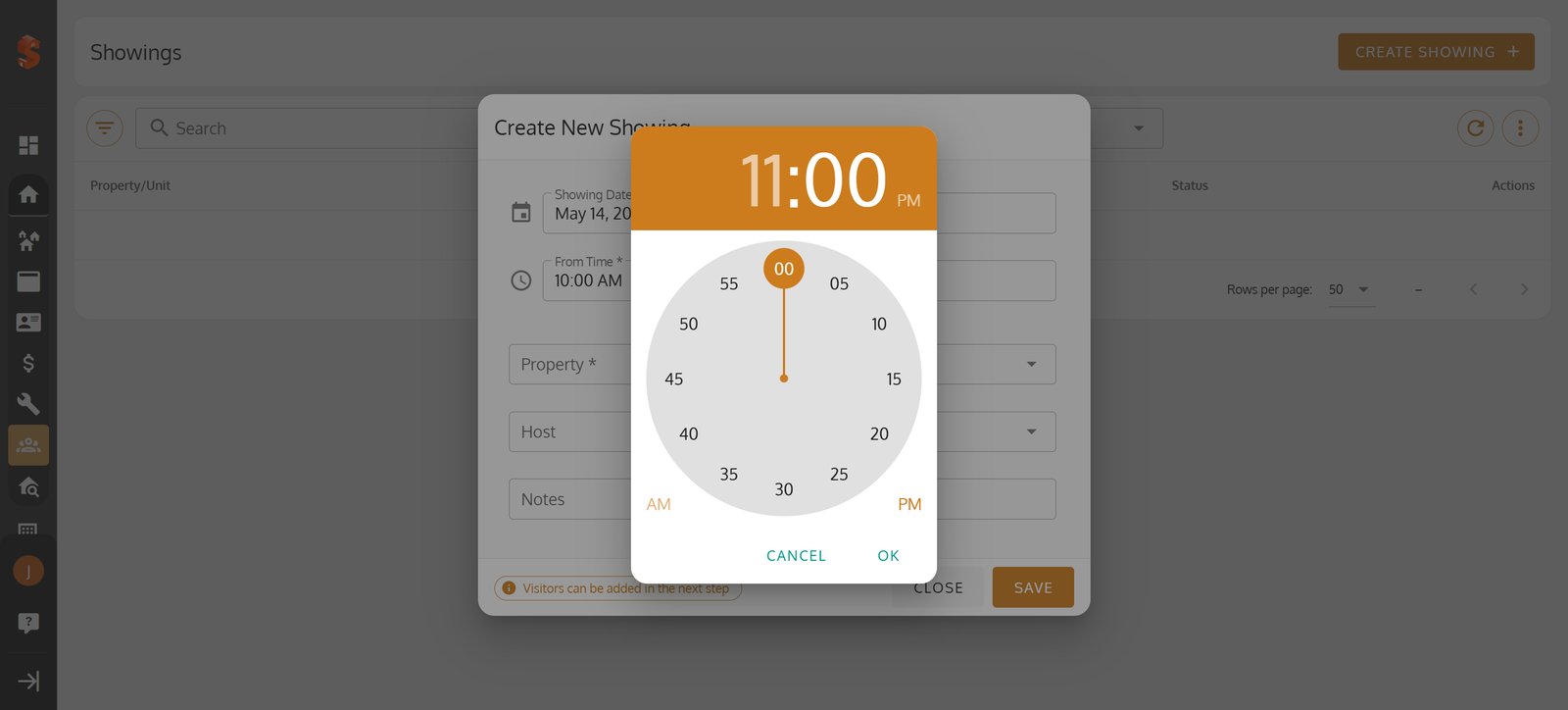
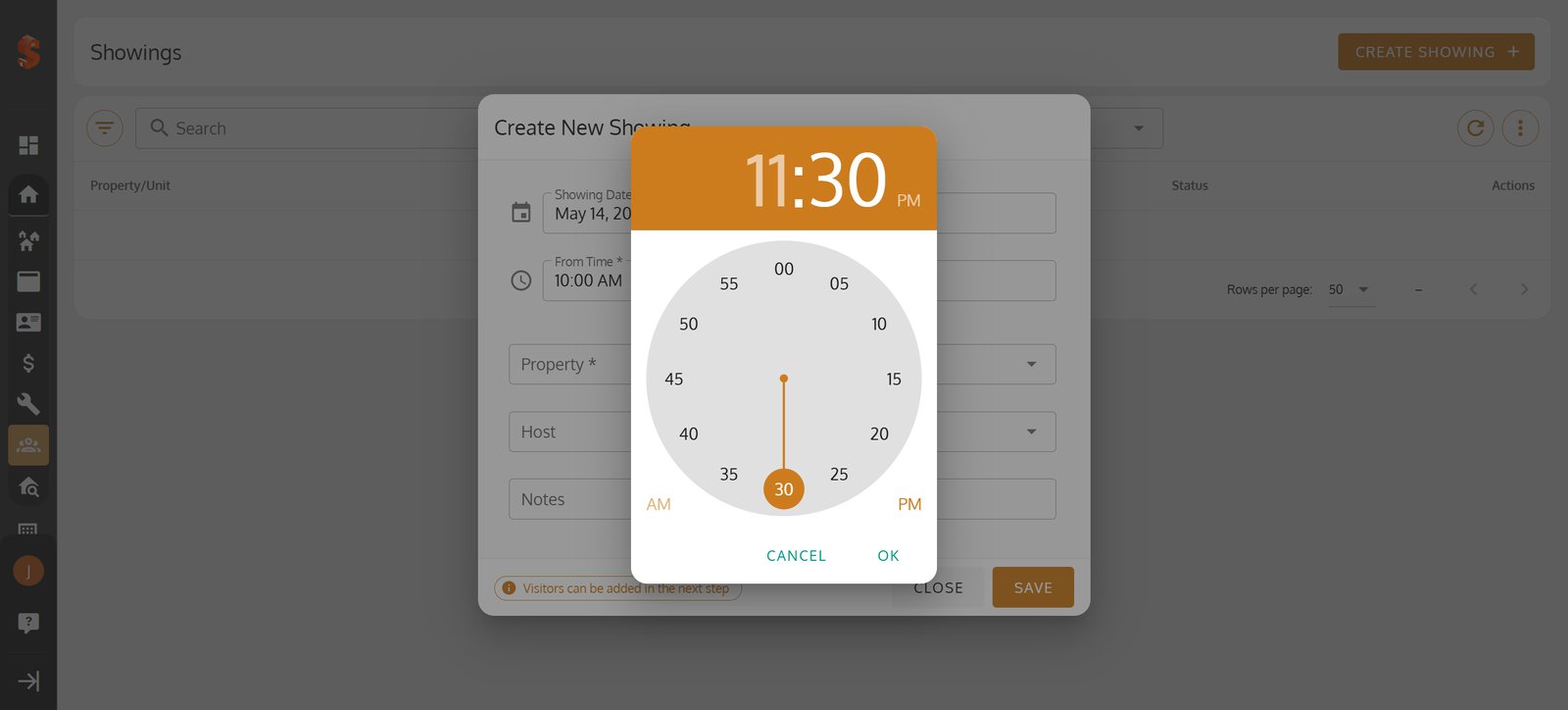
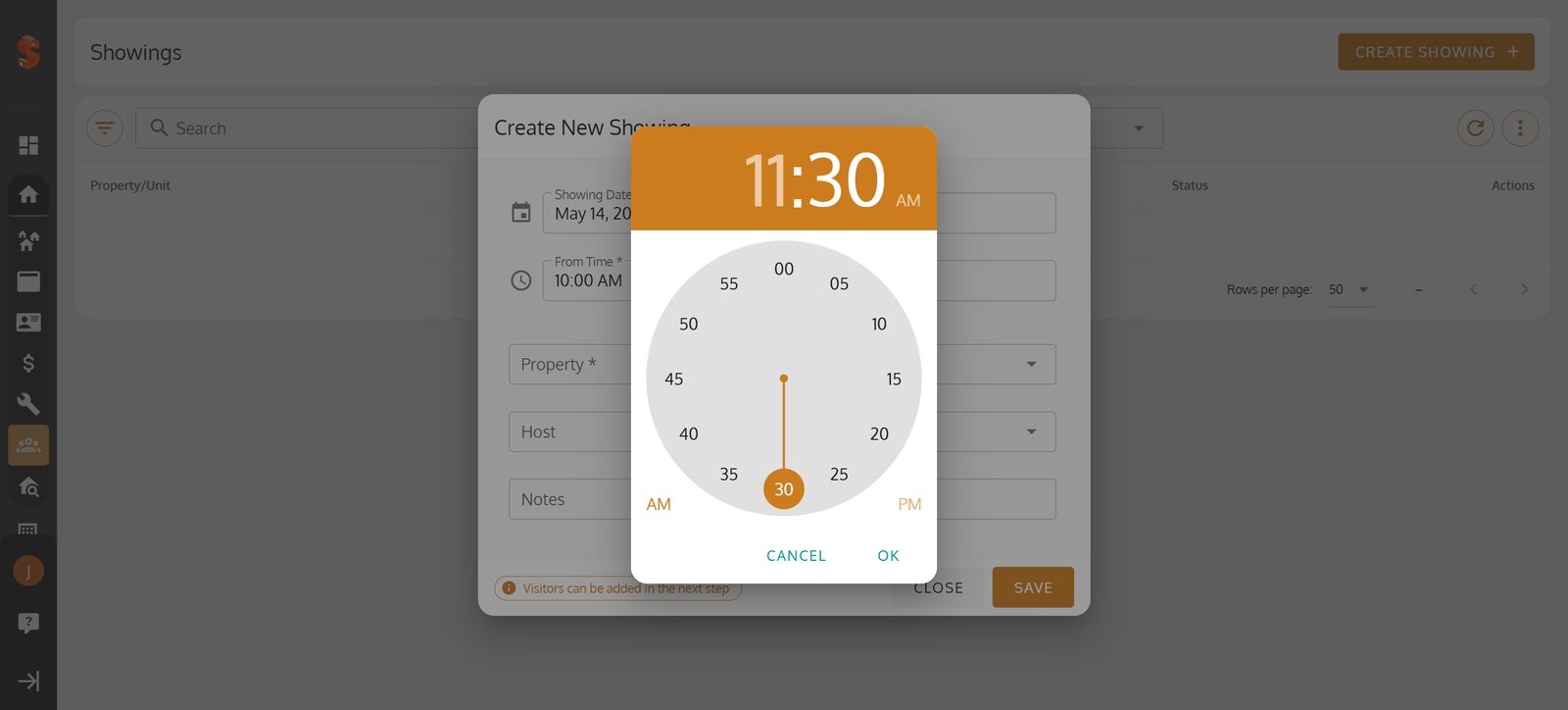
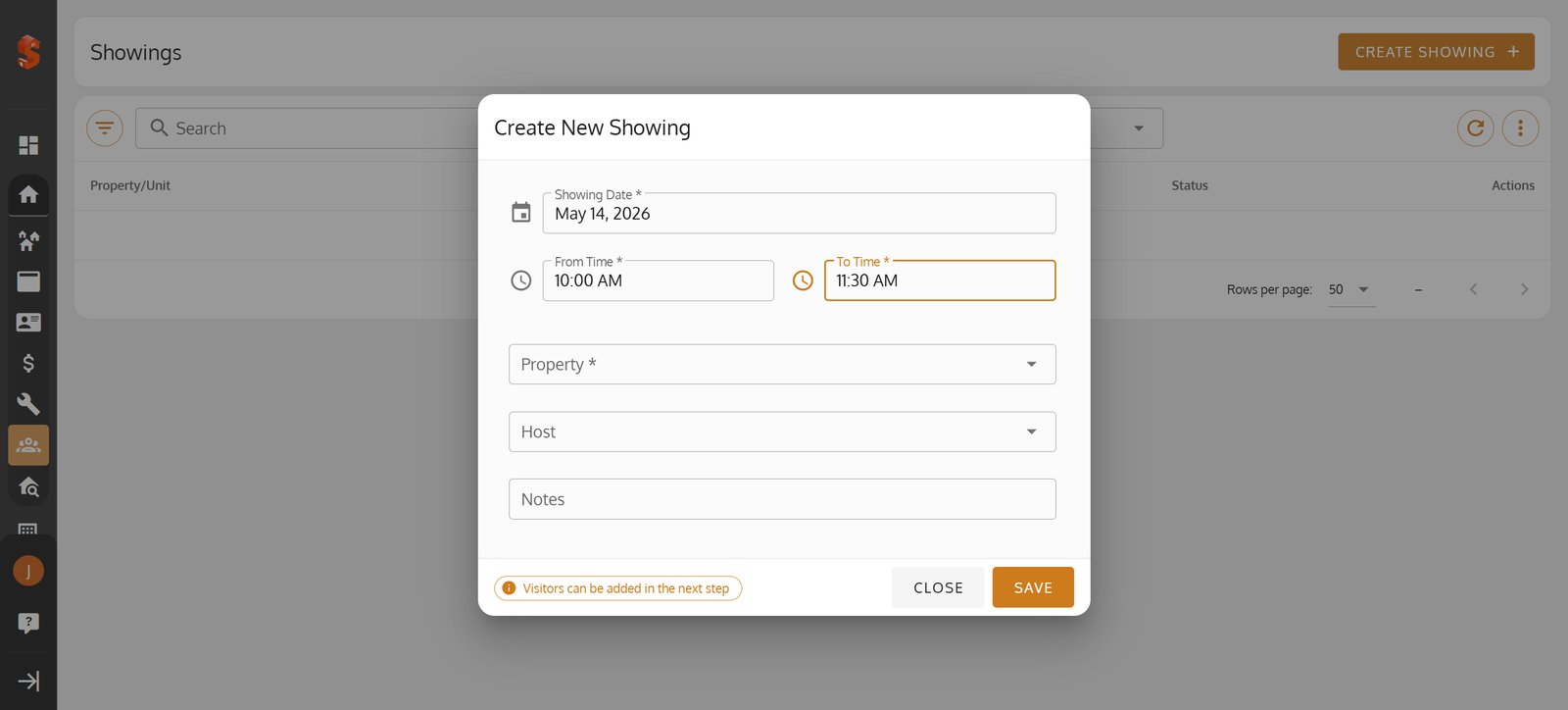
4. Start by Pick a showing date that fits your schedule.

5.
6.
7.
8.
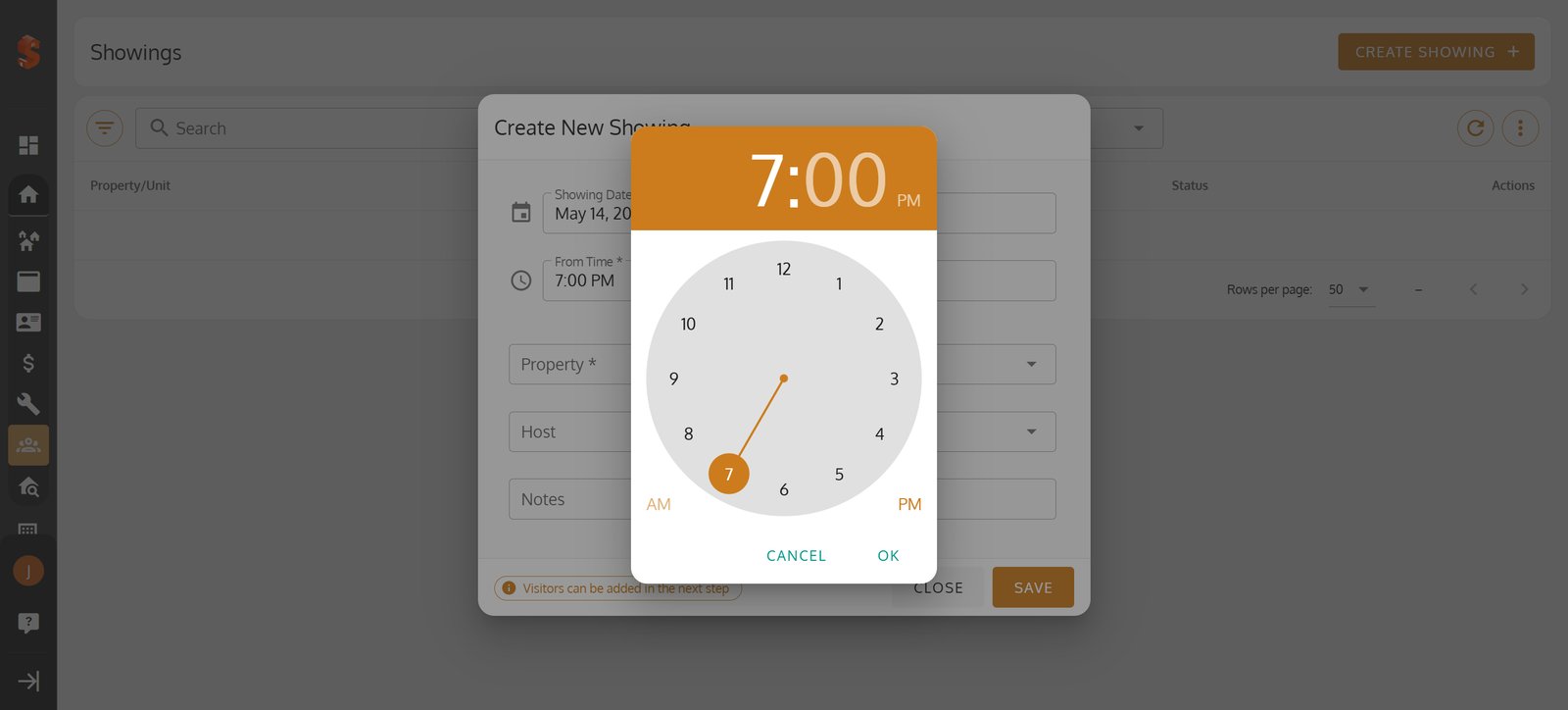
9.
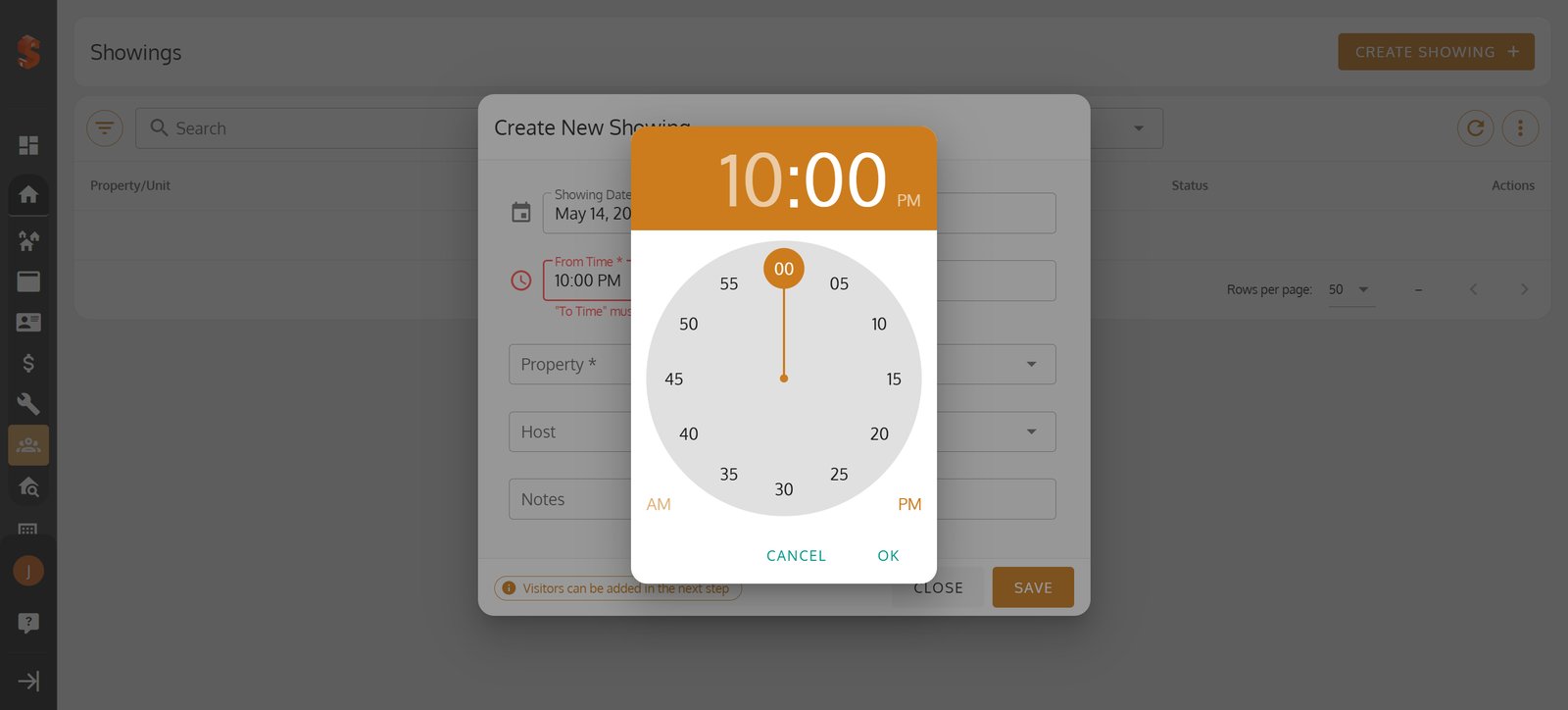
10.
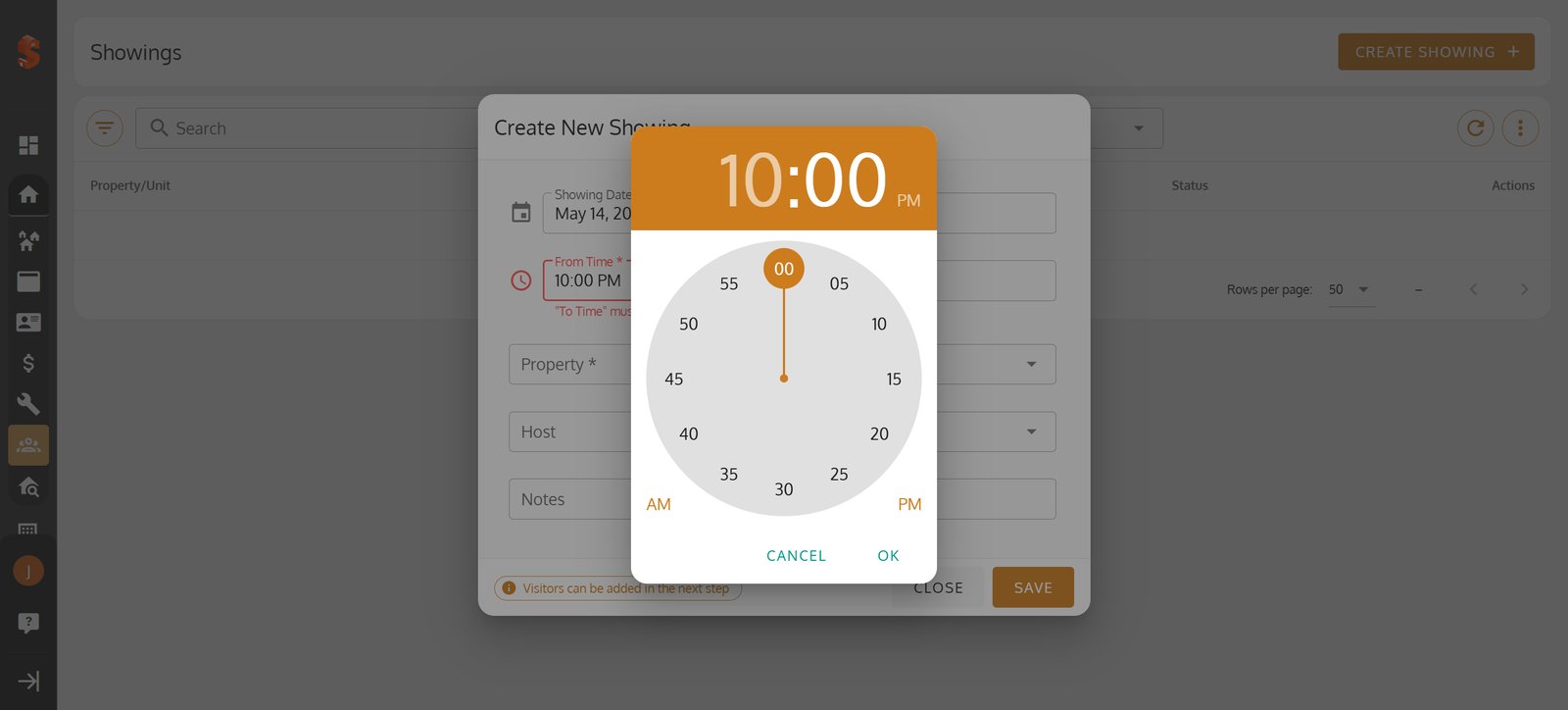
11.
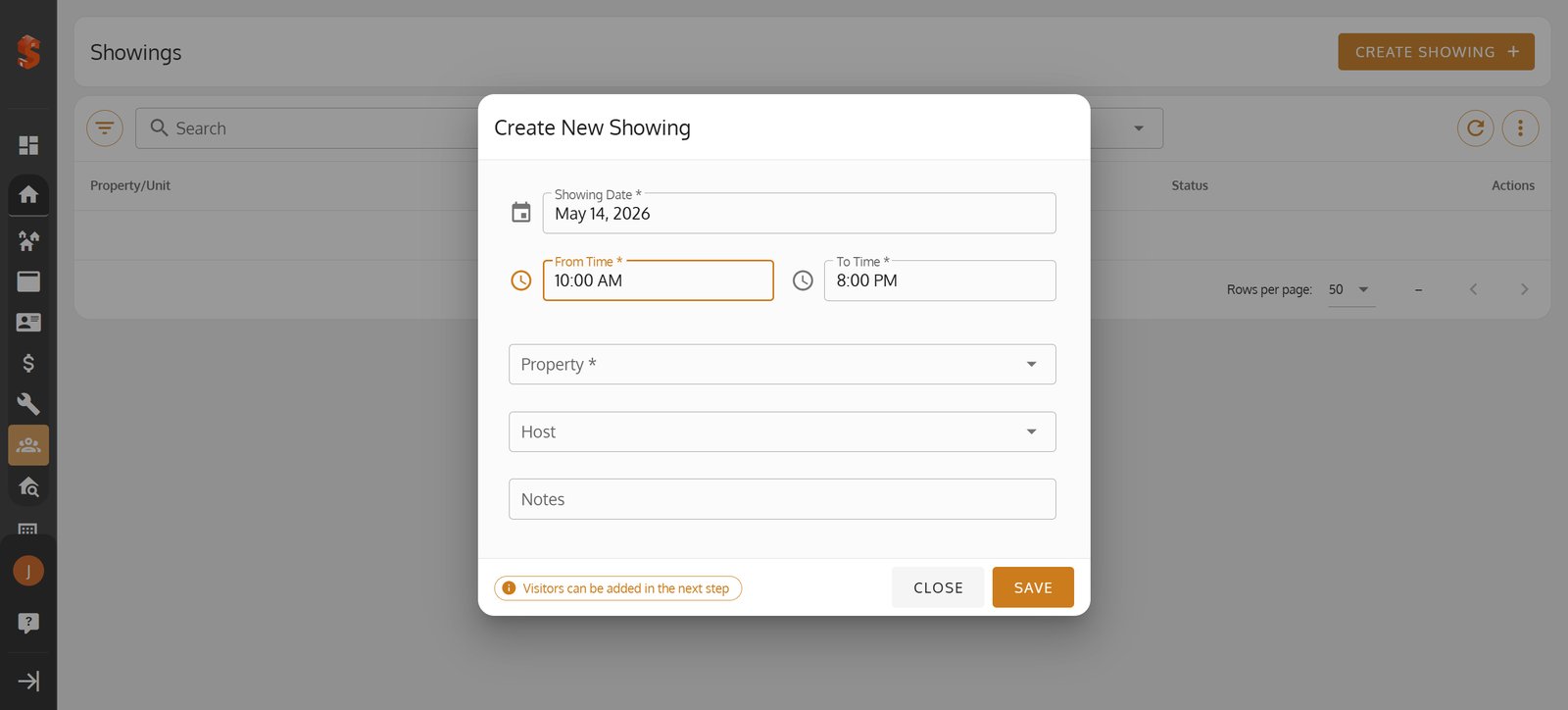
12.
13.
14.
15.
16.
17.
18.
19.
20.
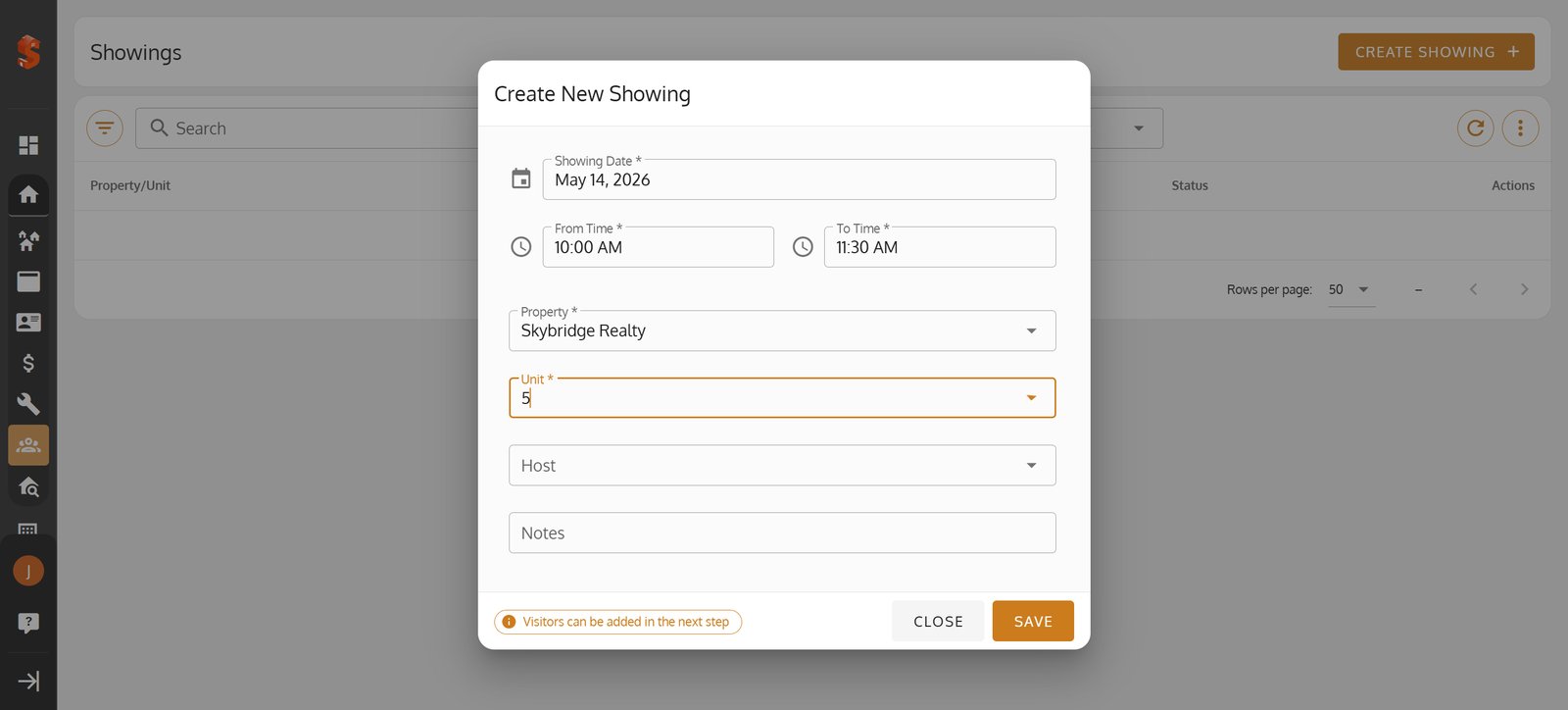
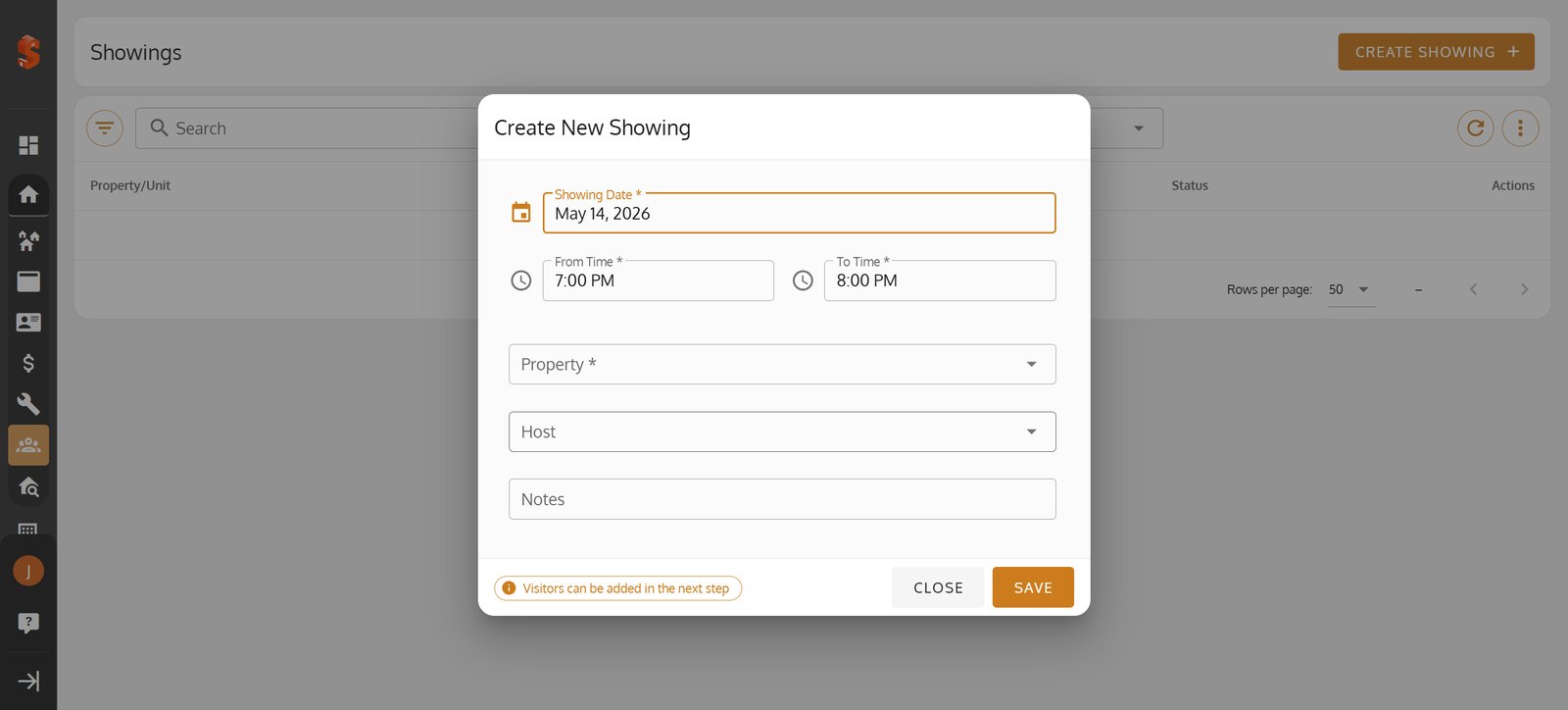
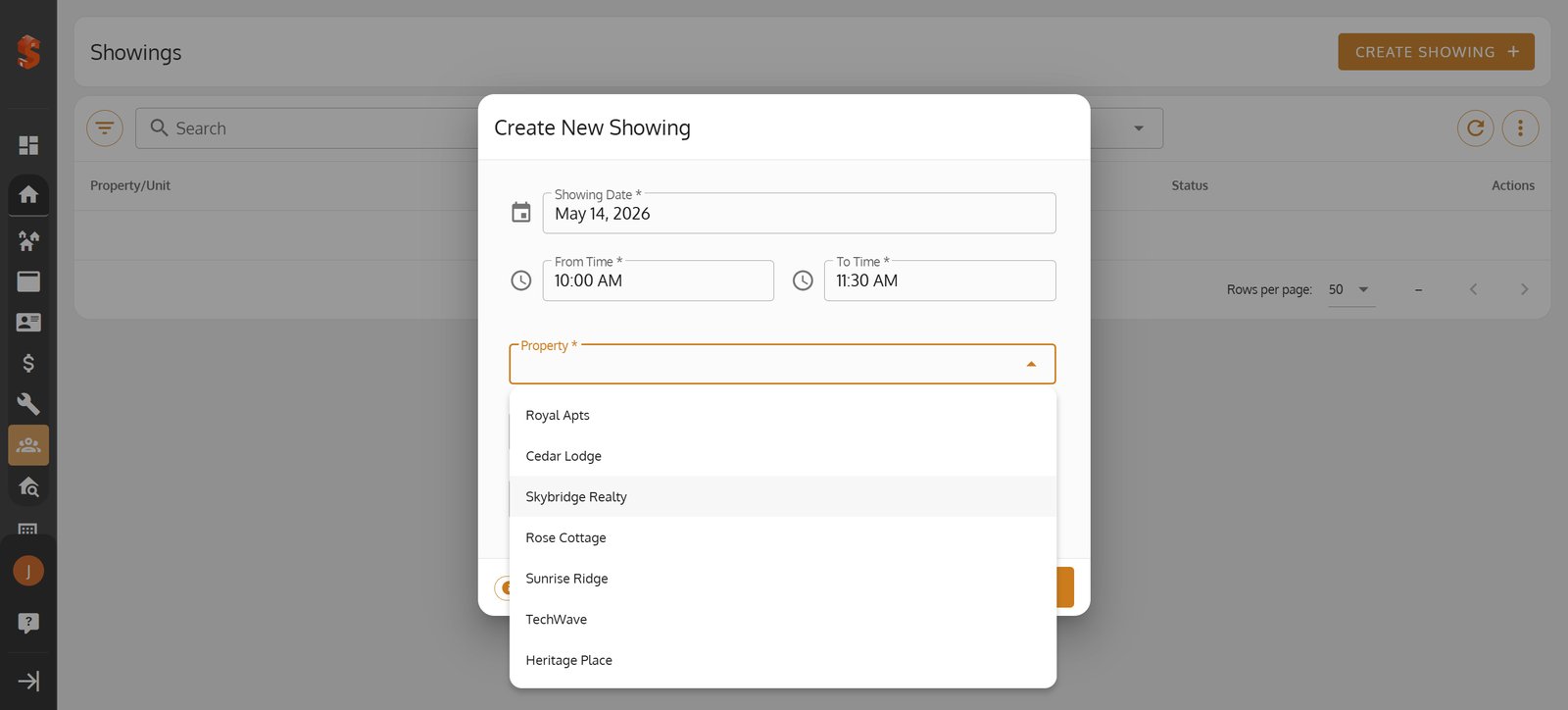
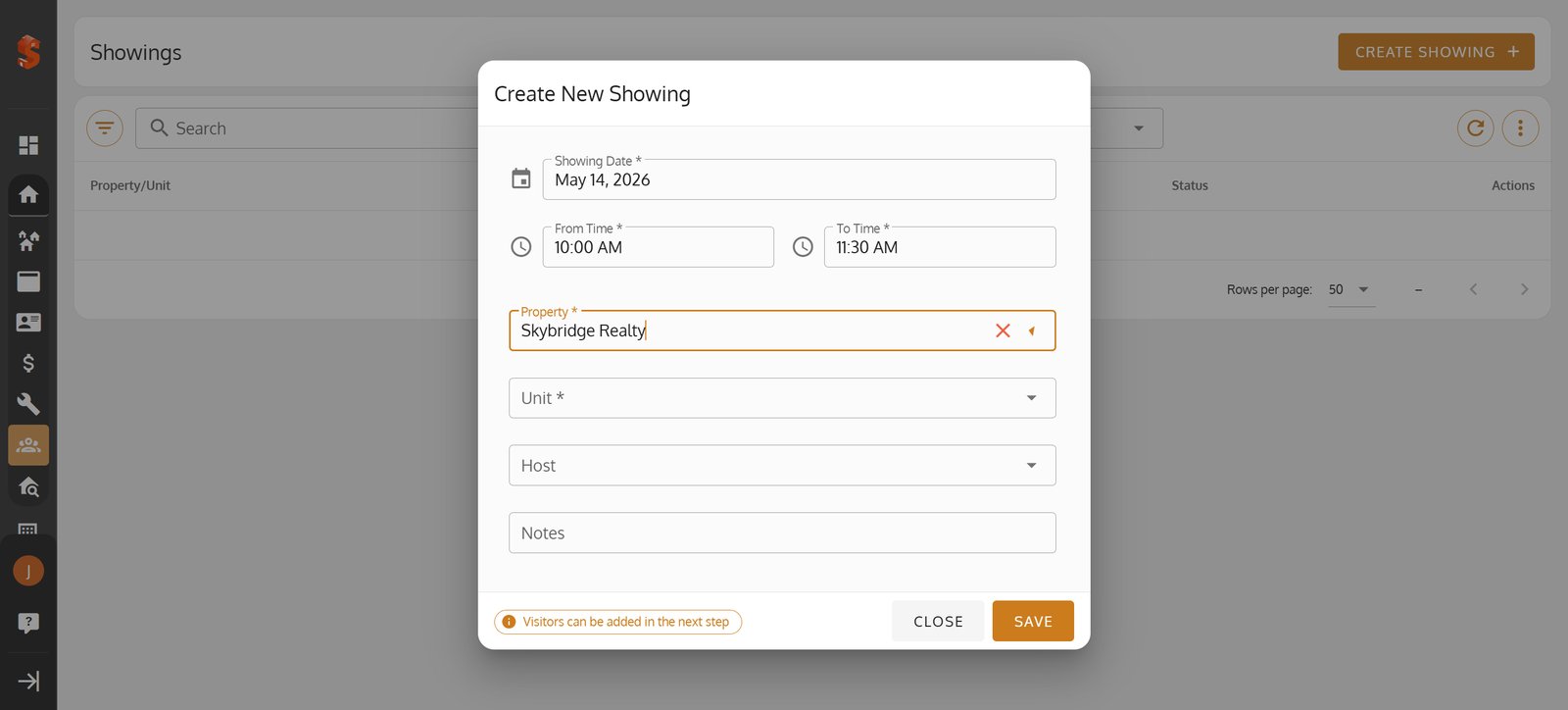
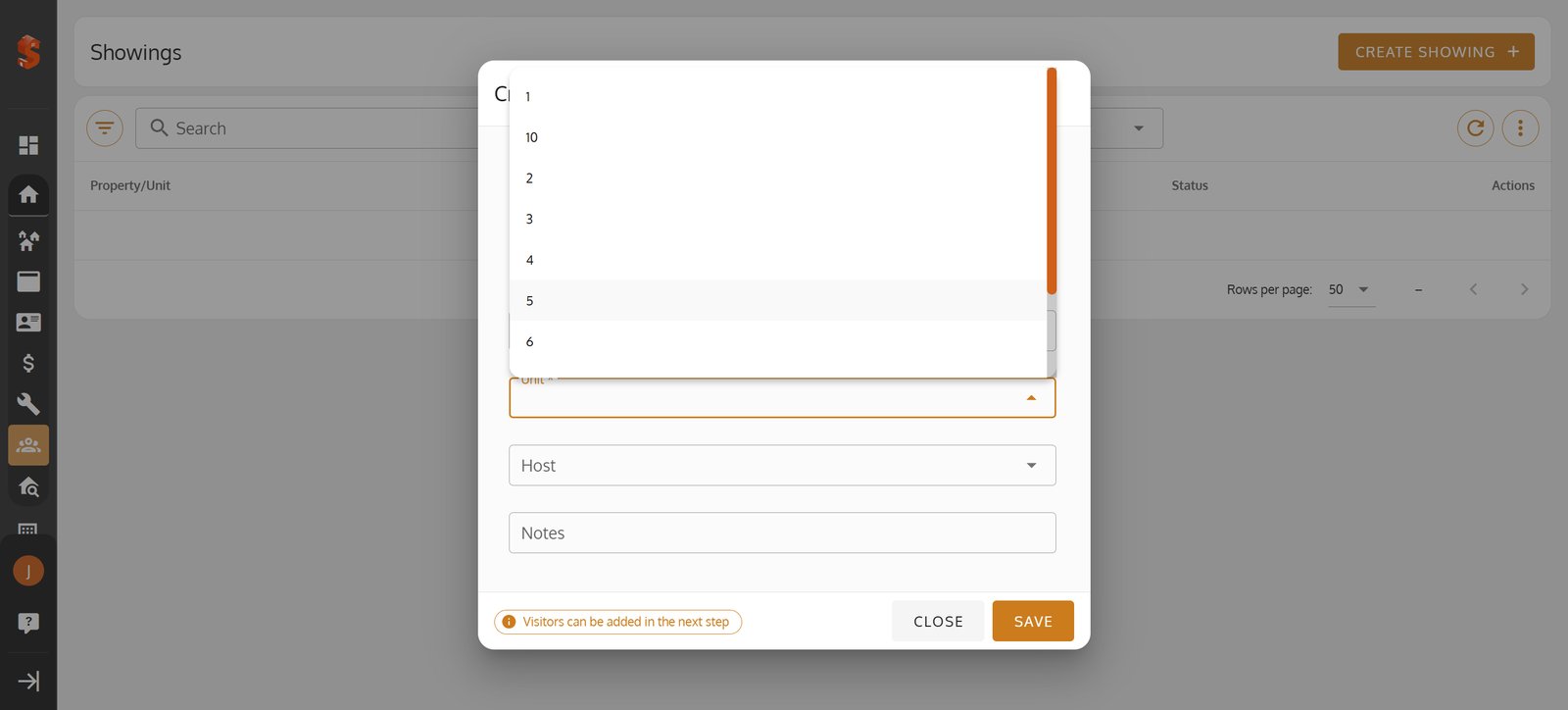
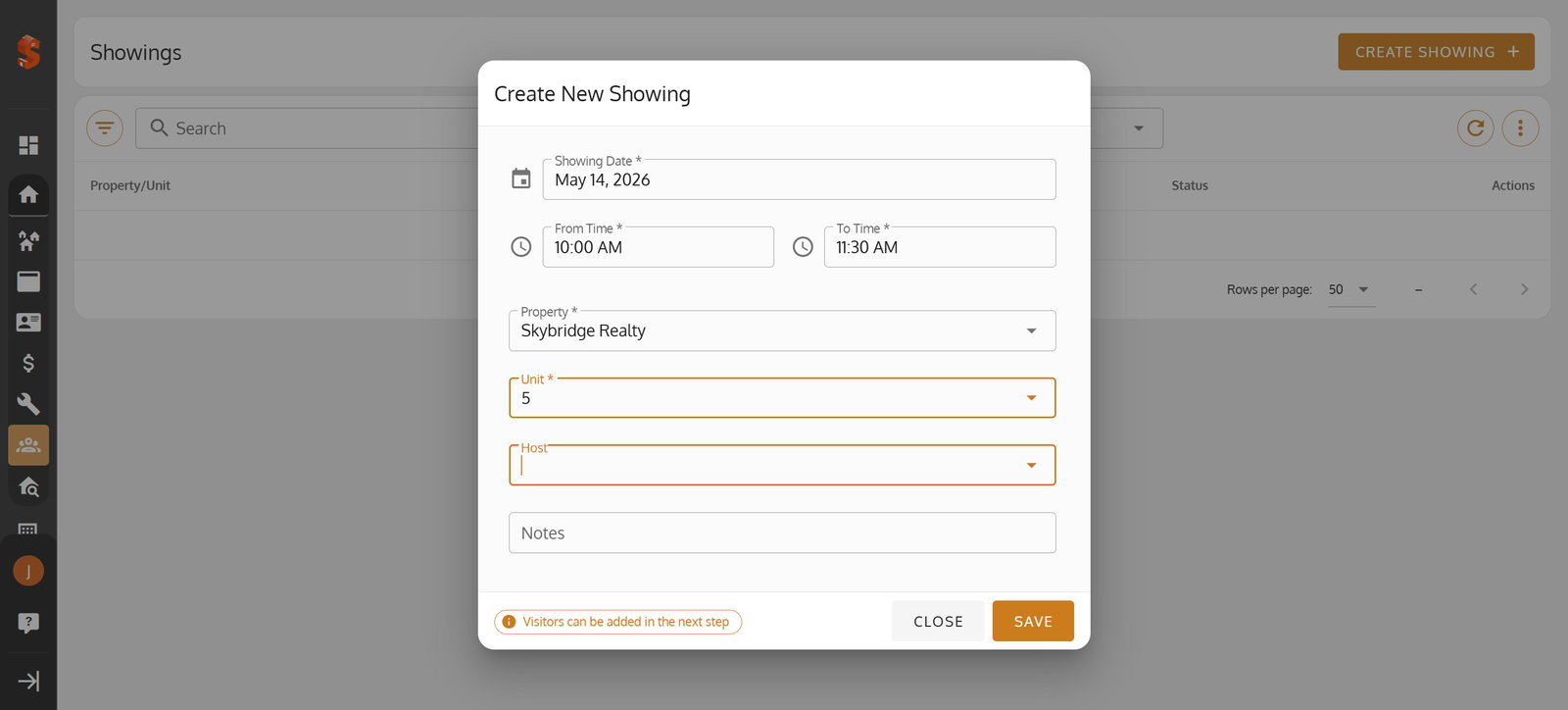
21. To Add a Host, Click Members under Manage Section. Now Click 'Add Member'. Then fill the details of host or member. Now Click Save. Now you can Choose the Host from the dropdown list in property showings.
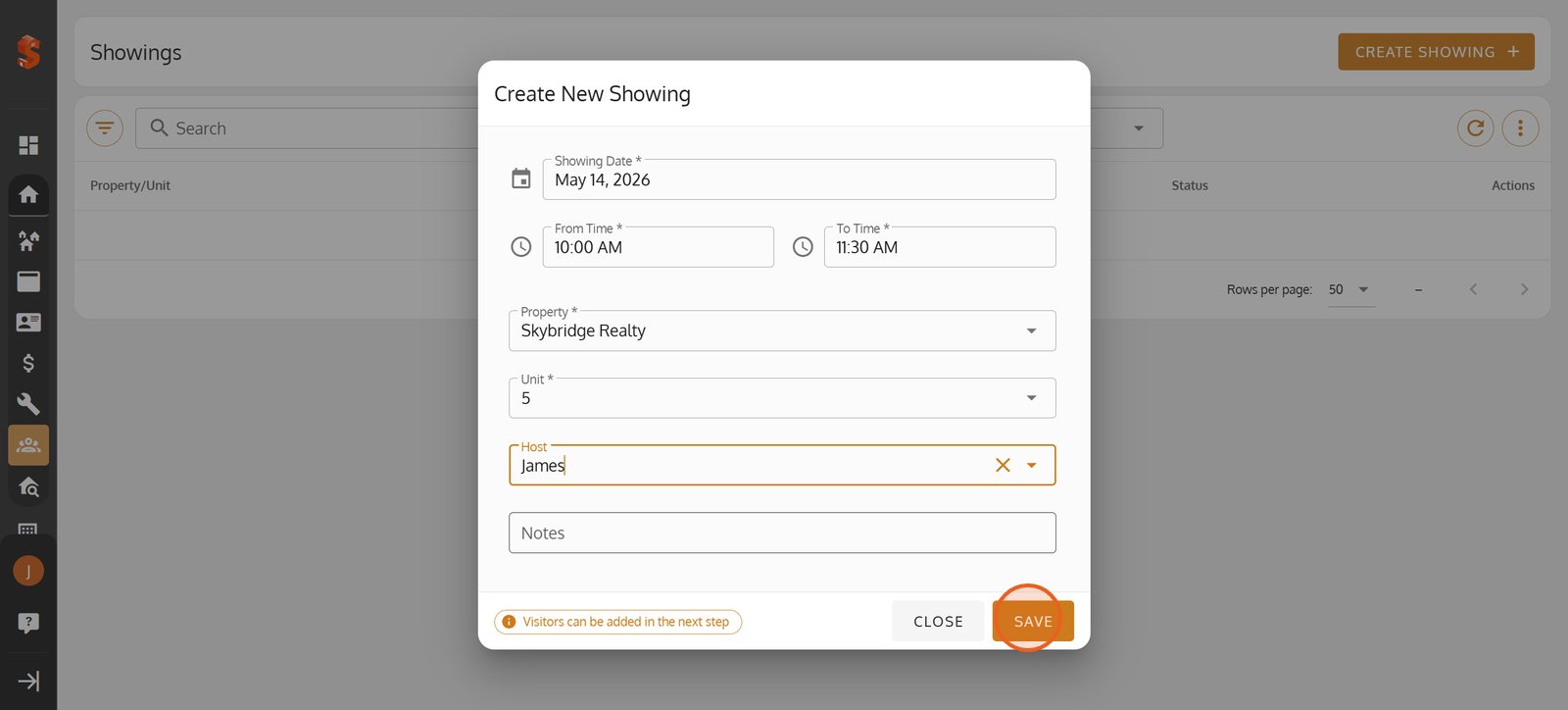
22. Click 'Save' to confirm and schedule your new property showing.
23.
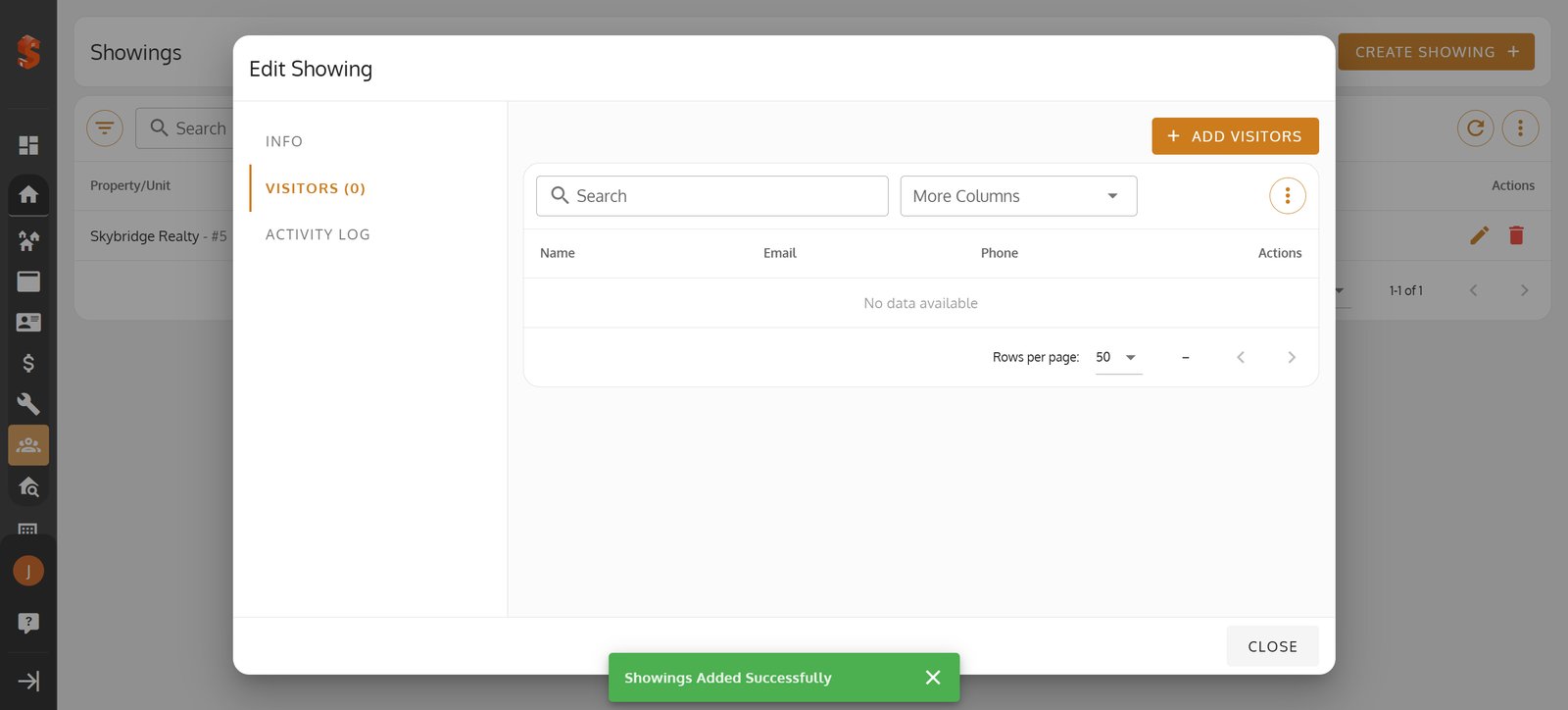
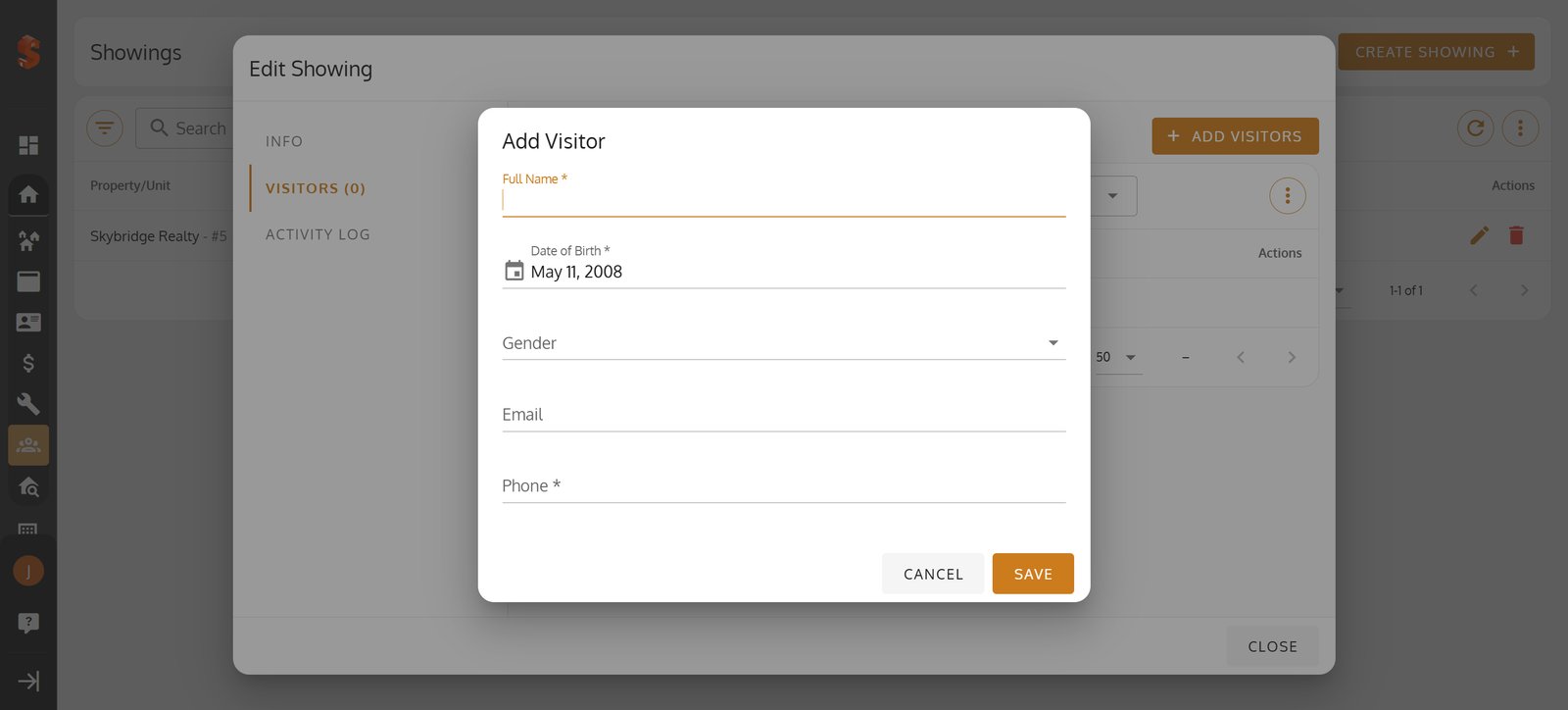
24. Add visitors to your showing with just one click for a more organized event.

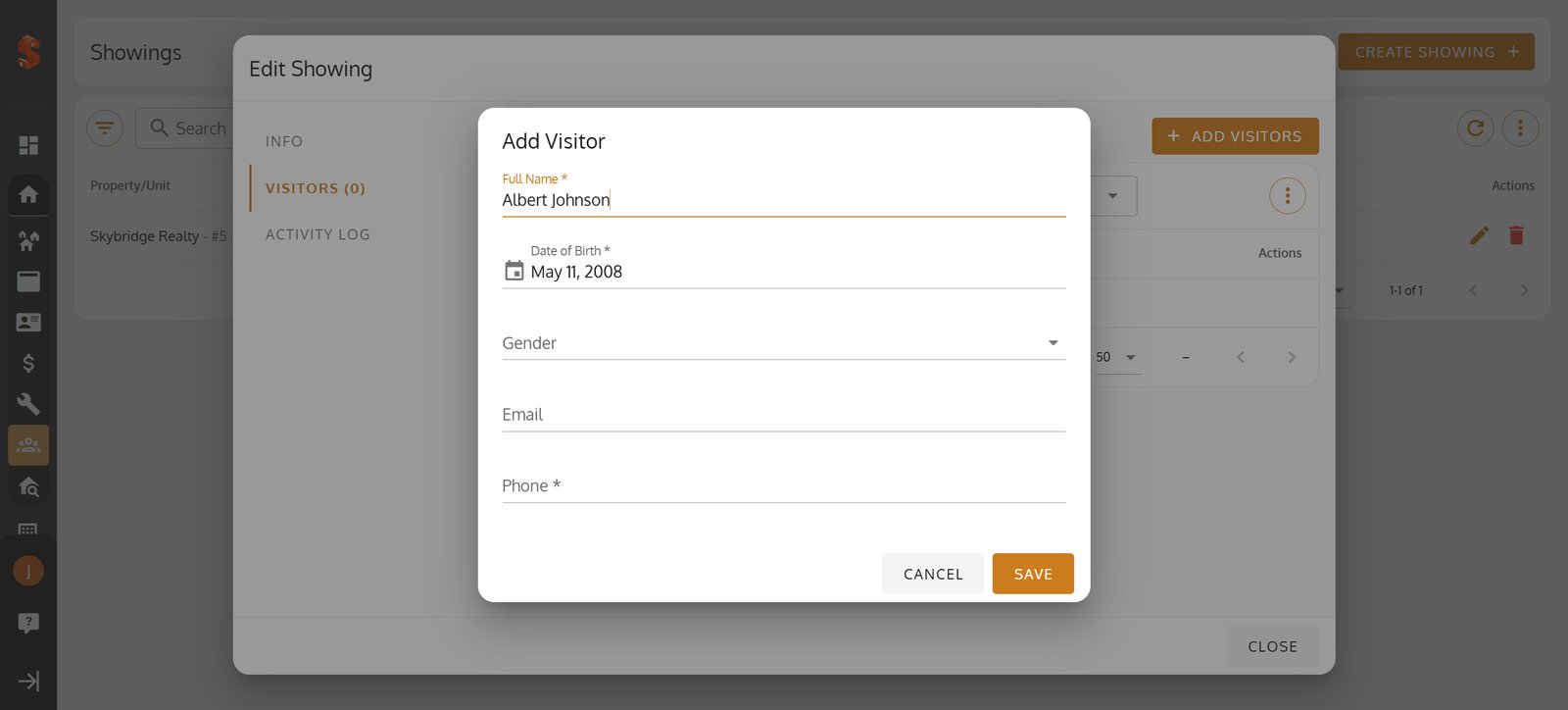
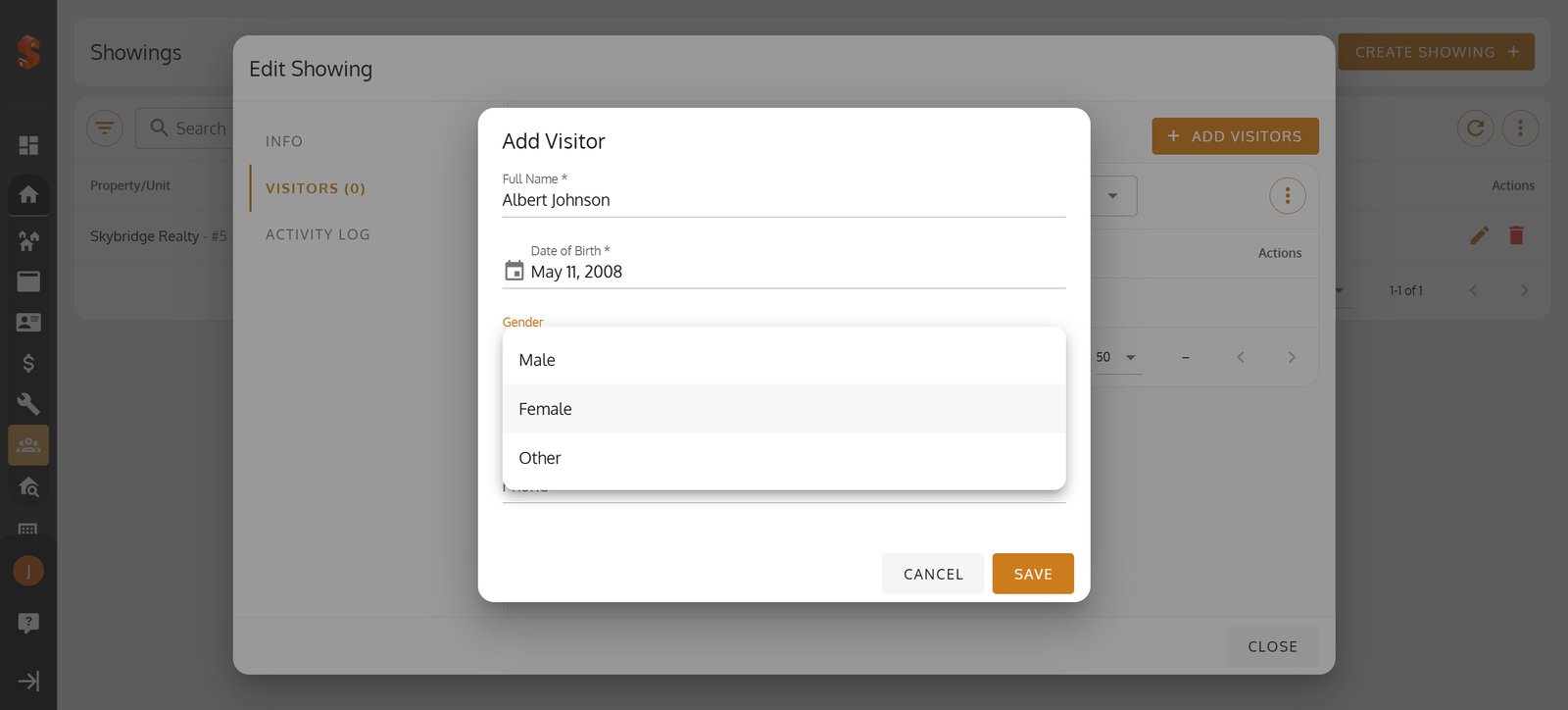
25. Begin by entering the visitor's full name for your records.

26.
27.
28.
29.
30.
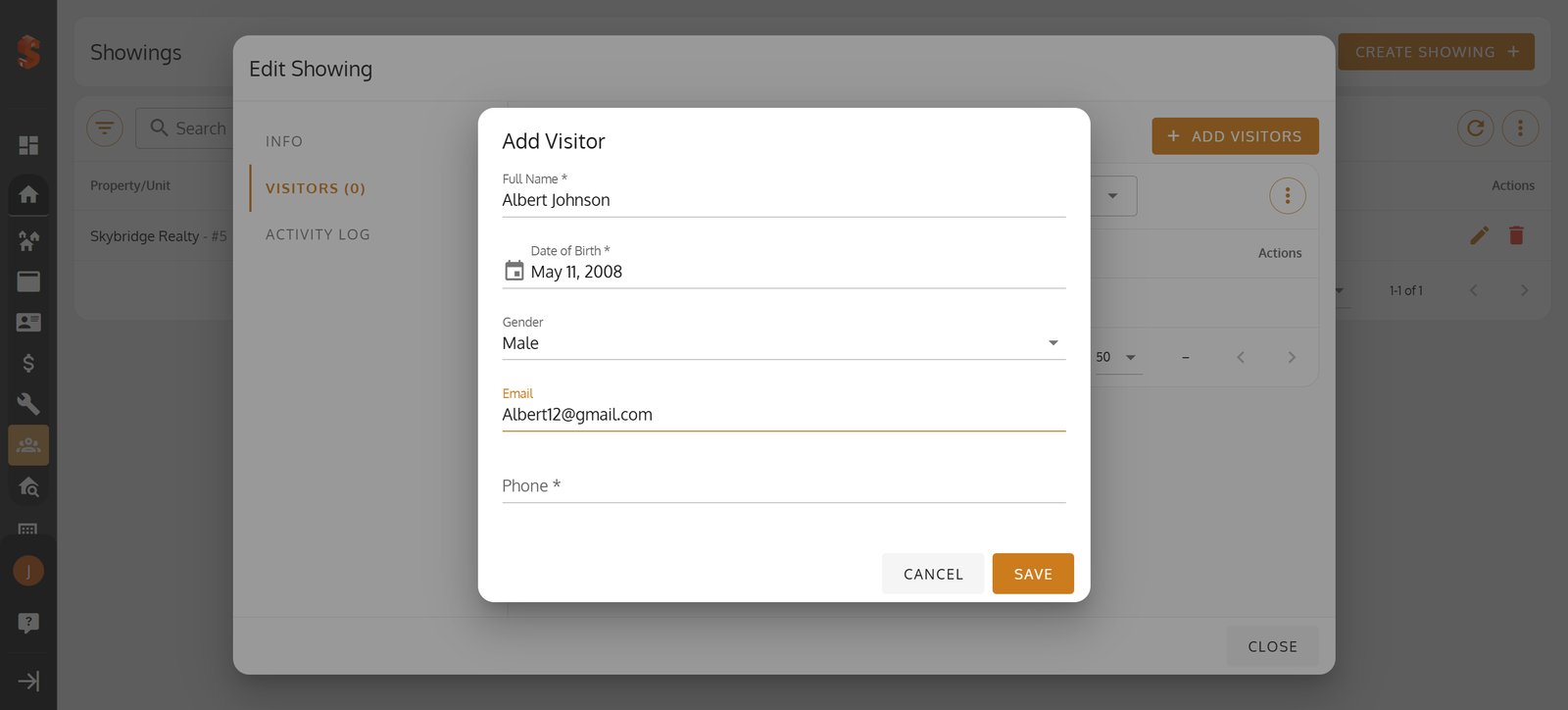
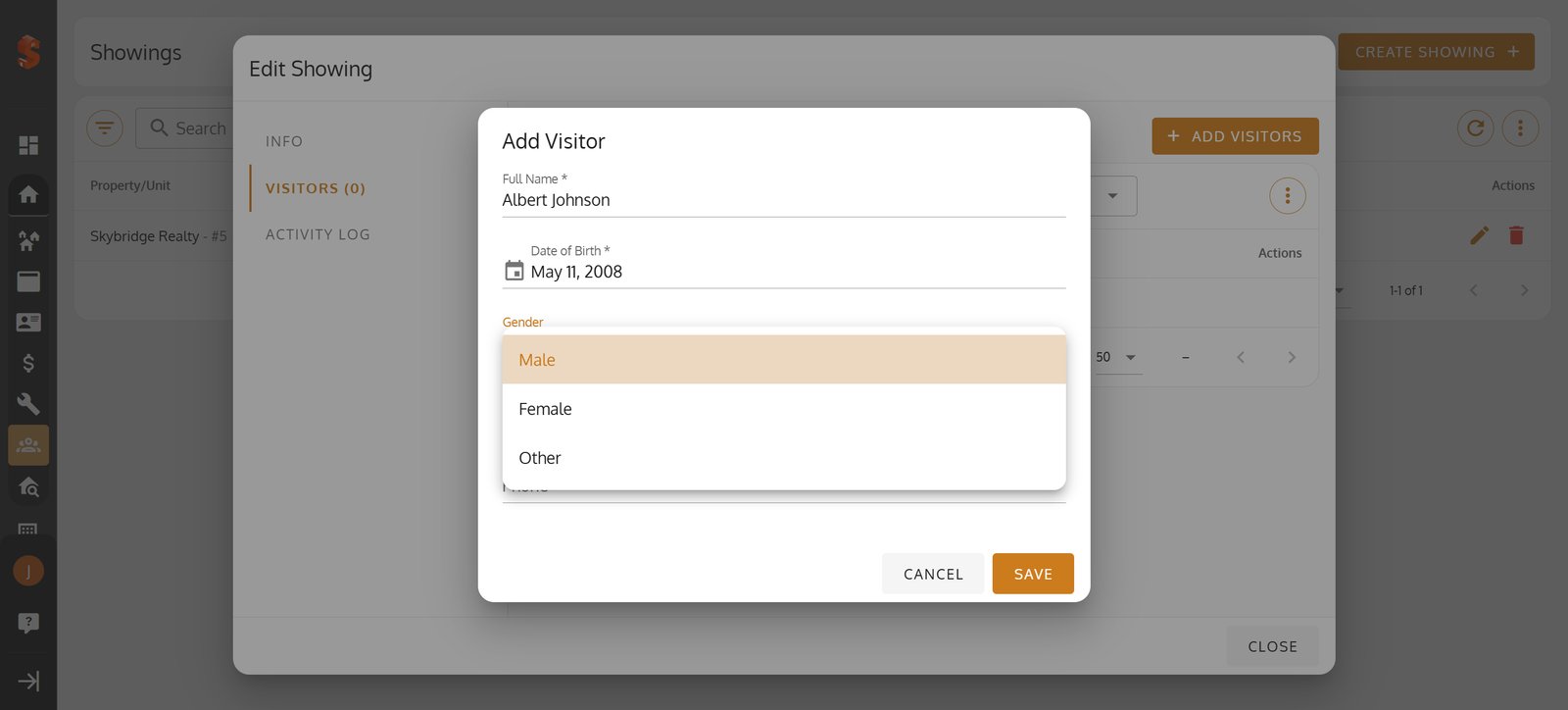
31. Click 'SAVE' to finalize your visitor addition and keep your event list up to date.

32. Review all activities related to your showing in the Activity Log for transparency.

33. Close the Edit Showing dialog when you've finished managing showings or visitors.

34.