Sign In your account in Seamless Tenants
Learn how to securely log in to access property management tools and important tenant resources.

Durga B
Last Update il y a 4 mois
1. Begin by selecting 'Login to Portal' to securely access your tenant account.

2. Choose 'Sign in with email' for a quick and convenient login method.

3. After entering your email, click 'NEXT' to move forward in the login process.

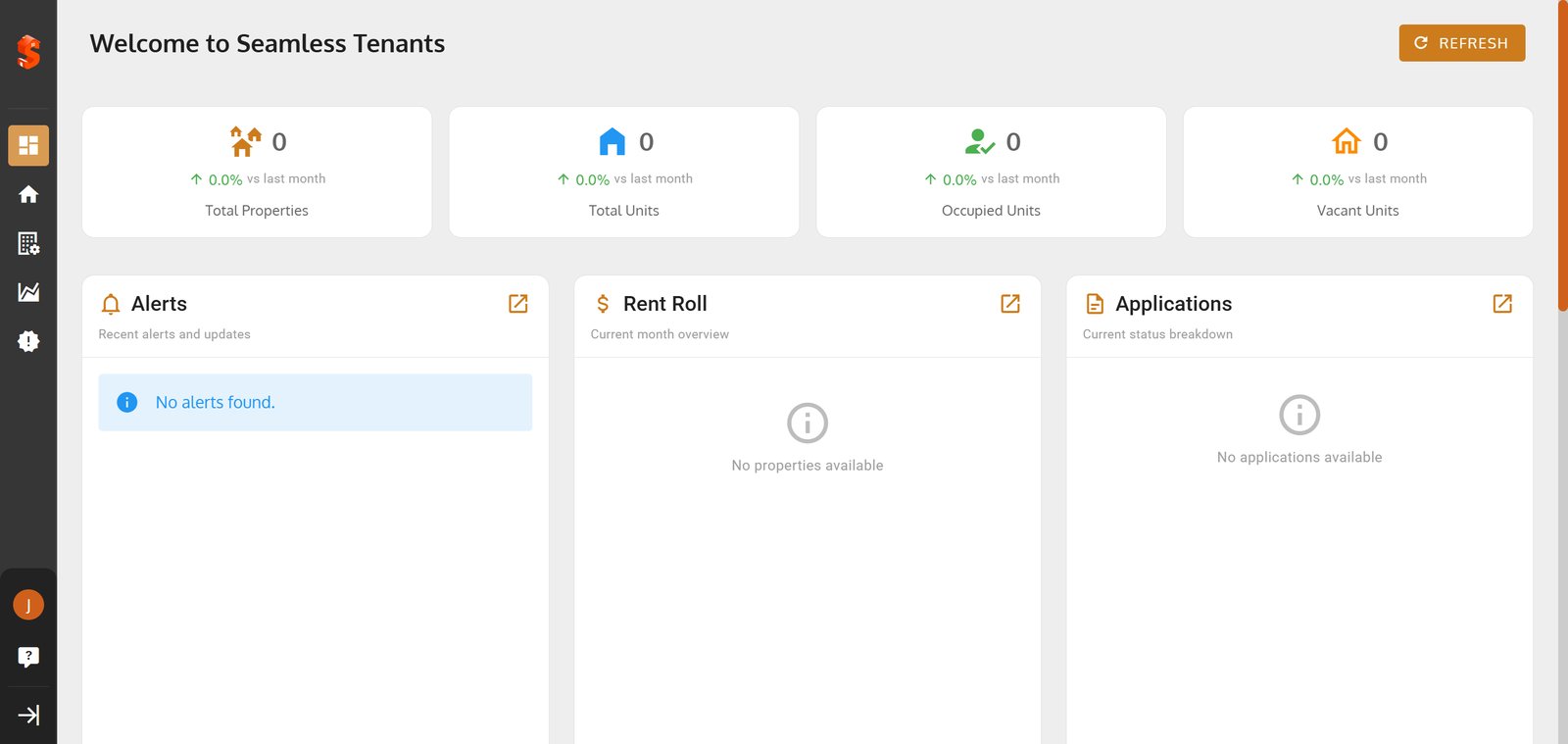
4. Hit 'SIGN IN' to access your personalized Seamless Tenants dashboard

5.