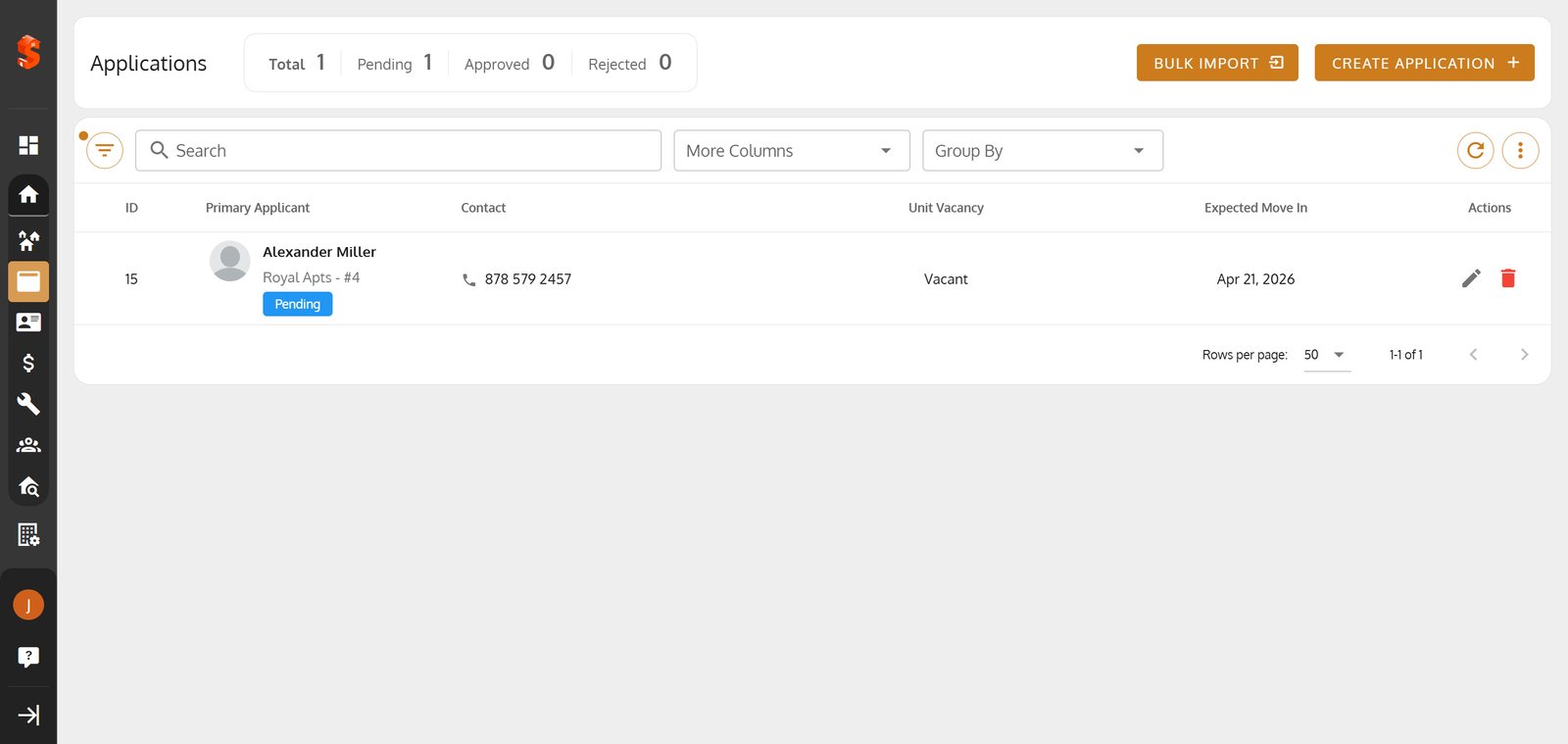
New Application for Tenant
Discover how to upload an Excel file and quickly review or edit tenant information before saving.

Durga B
Last Update 5 months ago
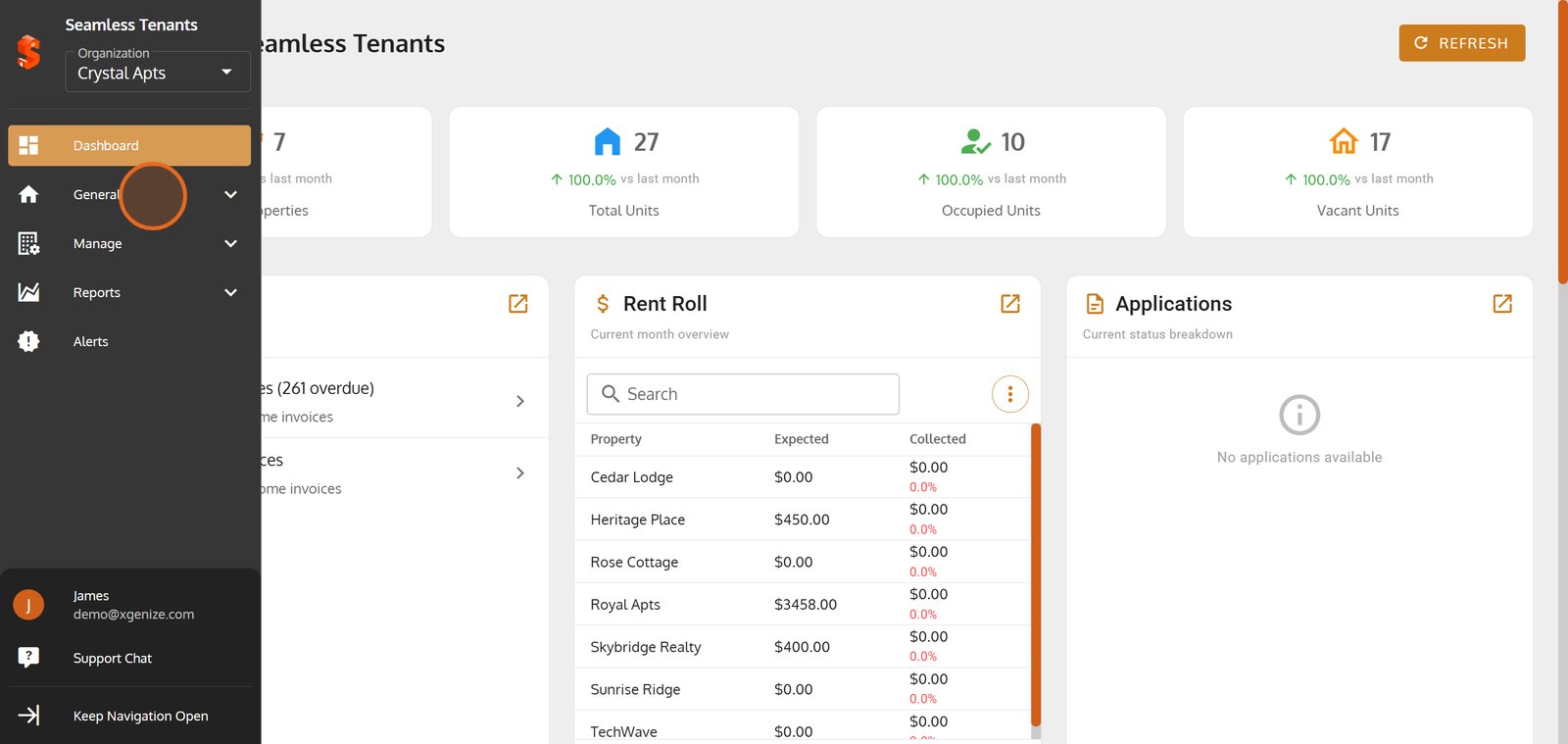
1. Start by accessing the 'General' section to manage your rental properties.
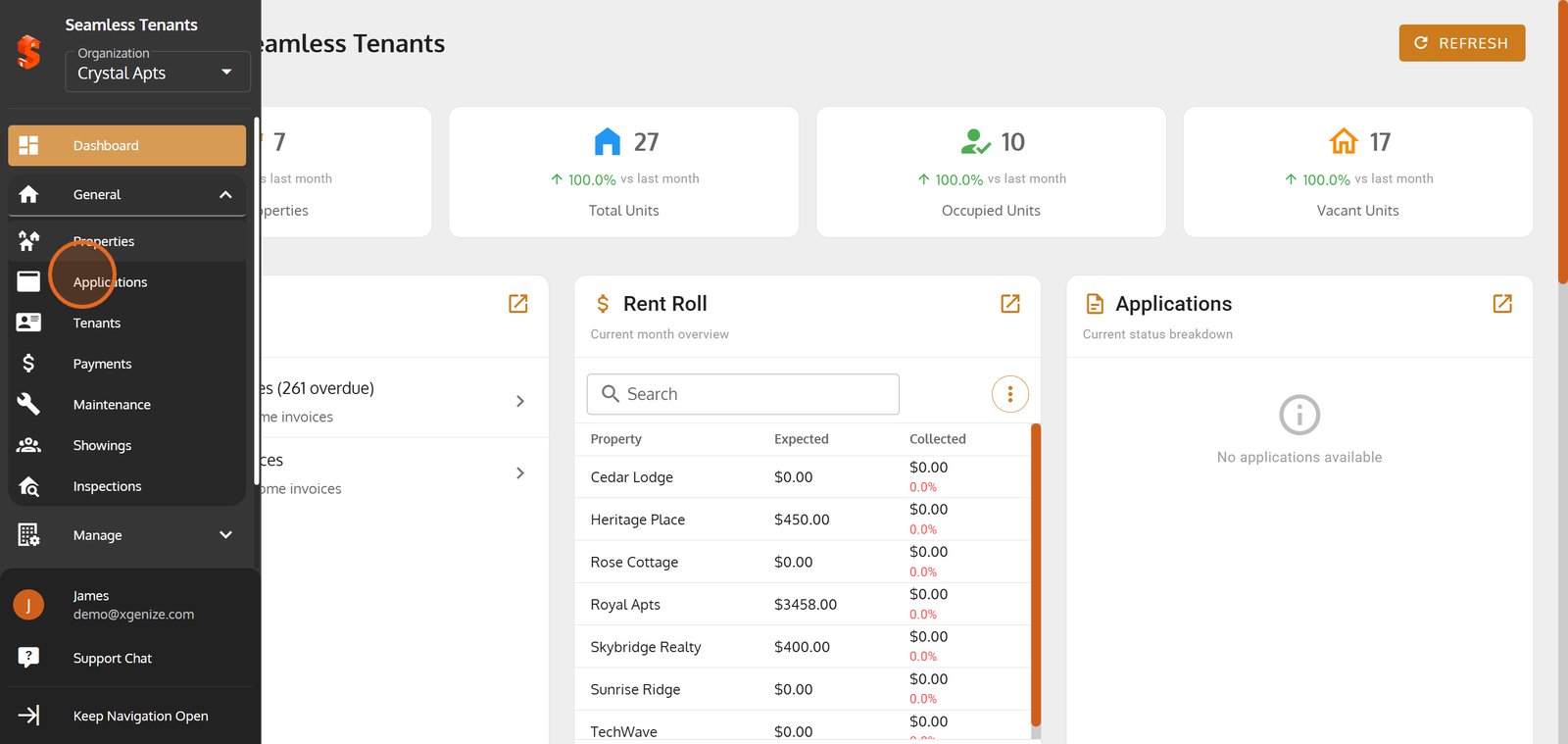
2. Head over to 'Applications' for an overview of all tenant applications.
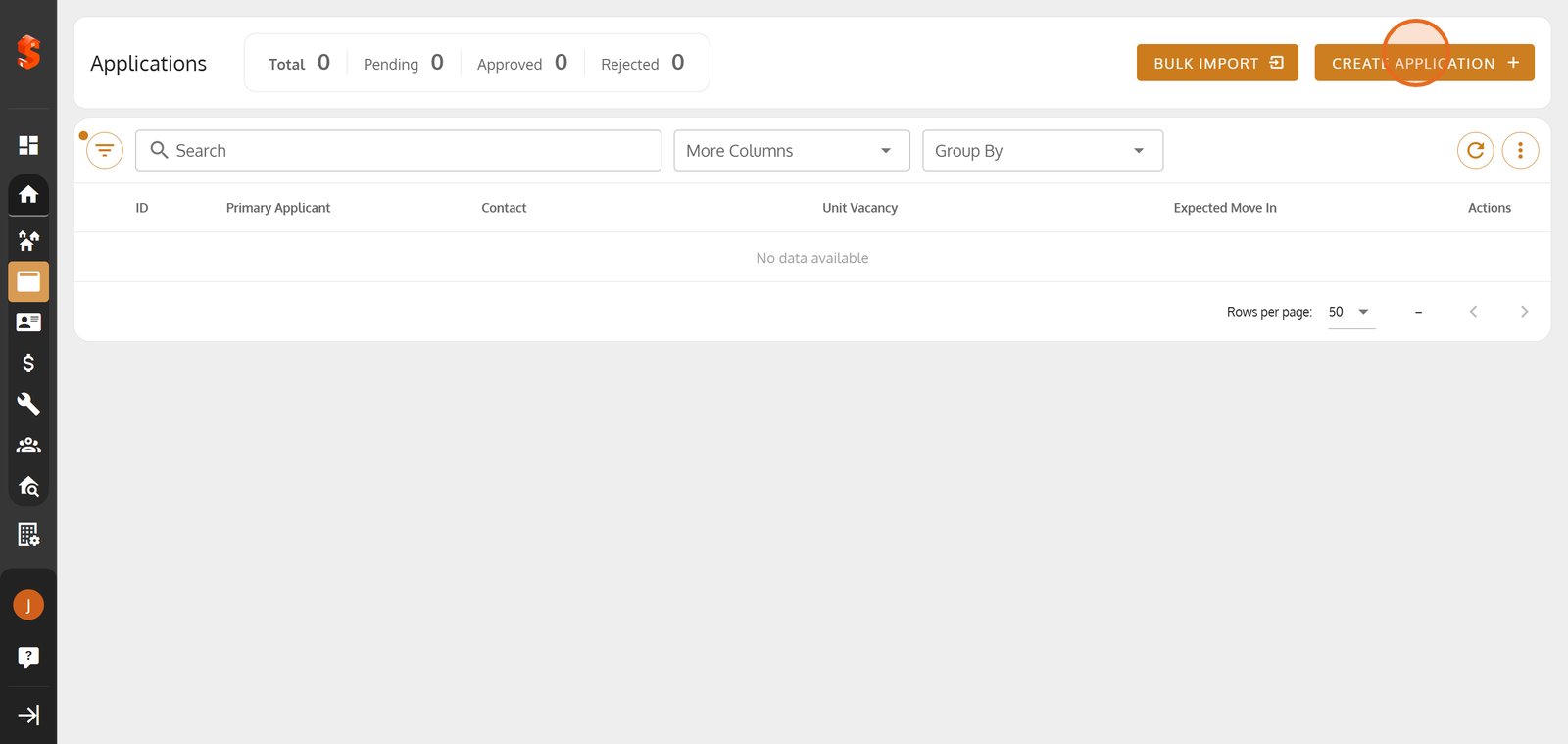
3. Click 'CREATE APPLICATION' to begin a new tenant application.
4. Select the property where your new tenant will reside.
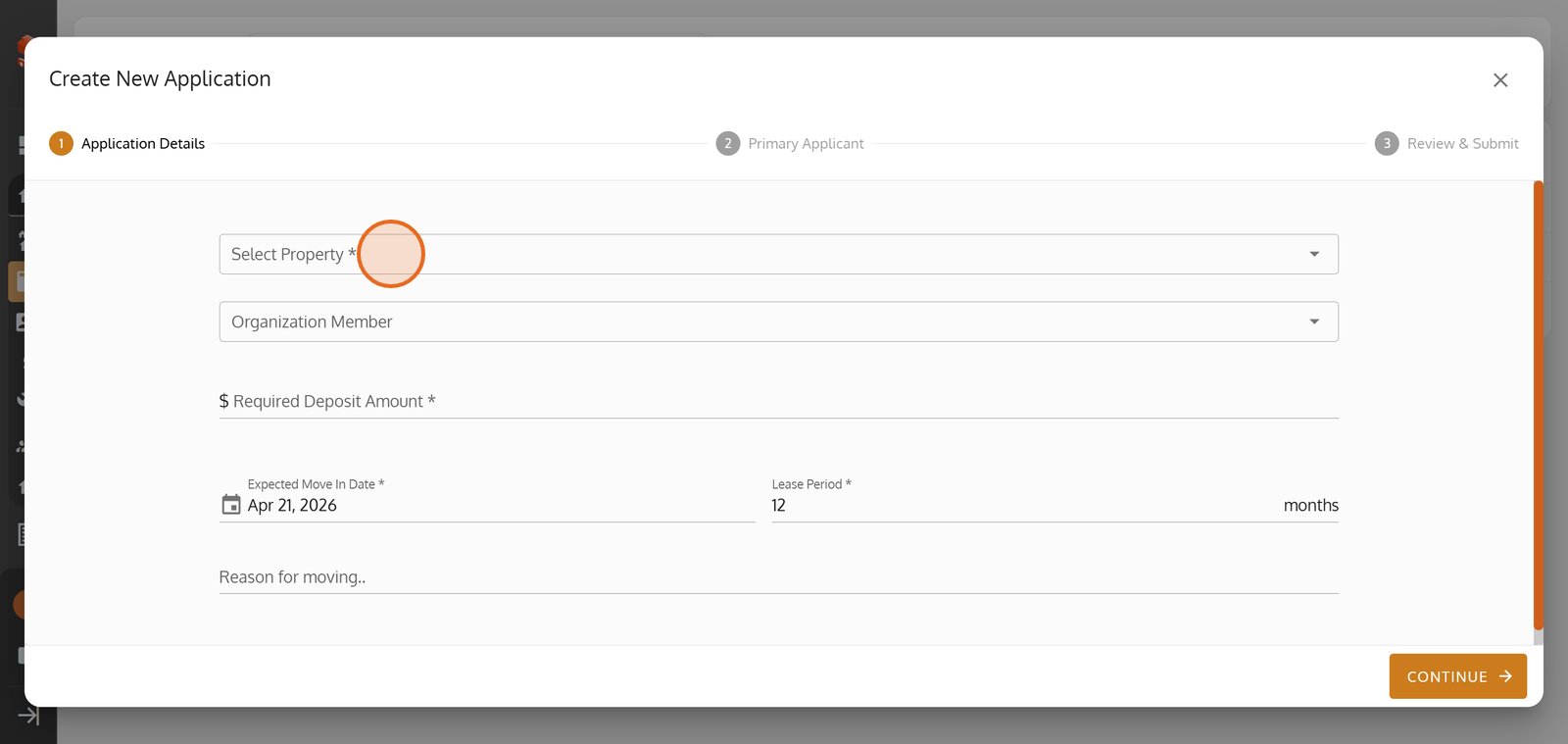
5.
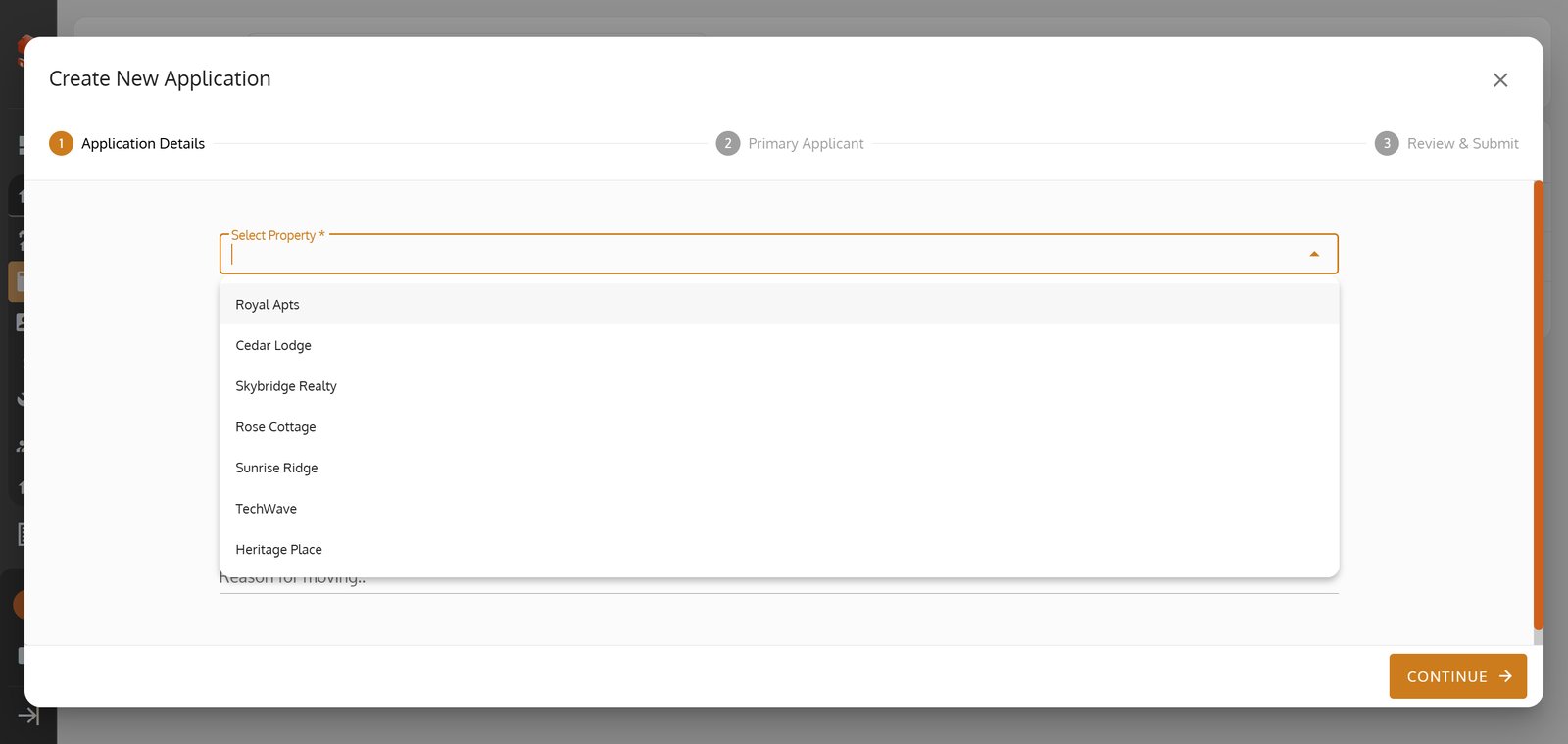
6. Select the apartment unit to personalize your tenant's application.
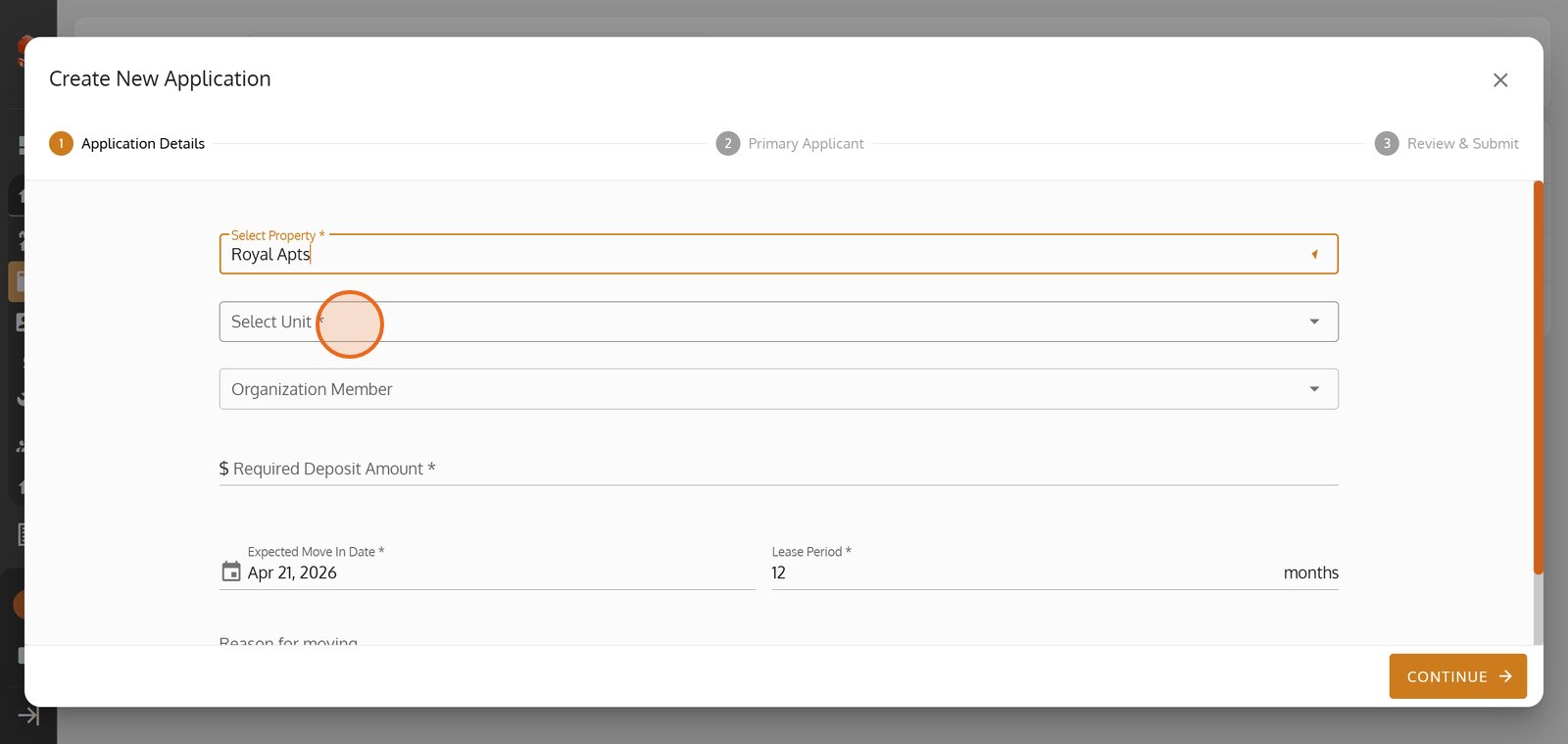
7.
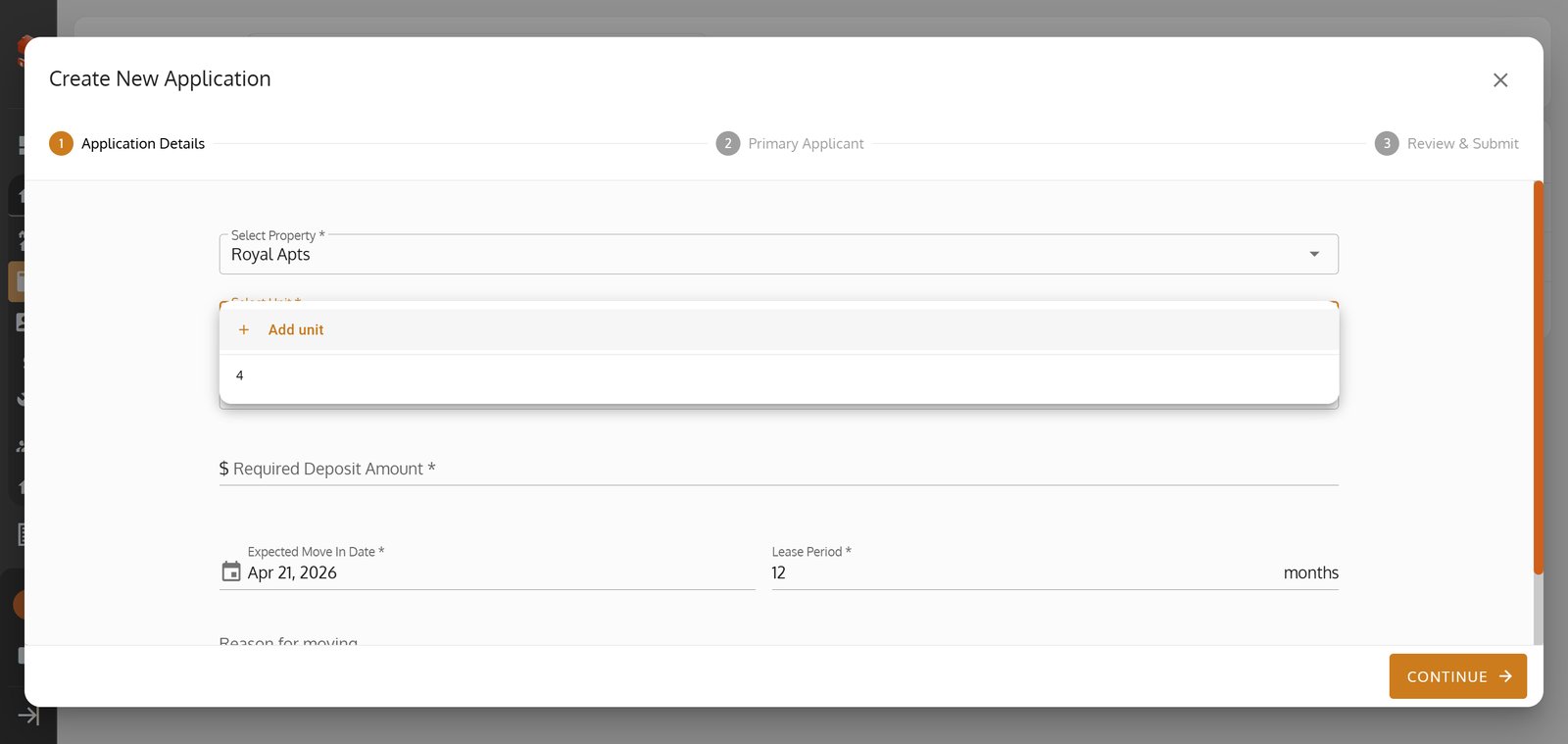
8. Choose or review the organization member relevant to this application.
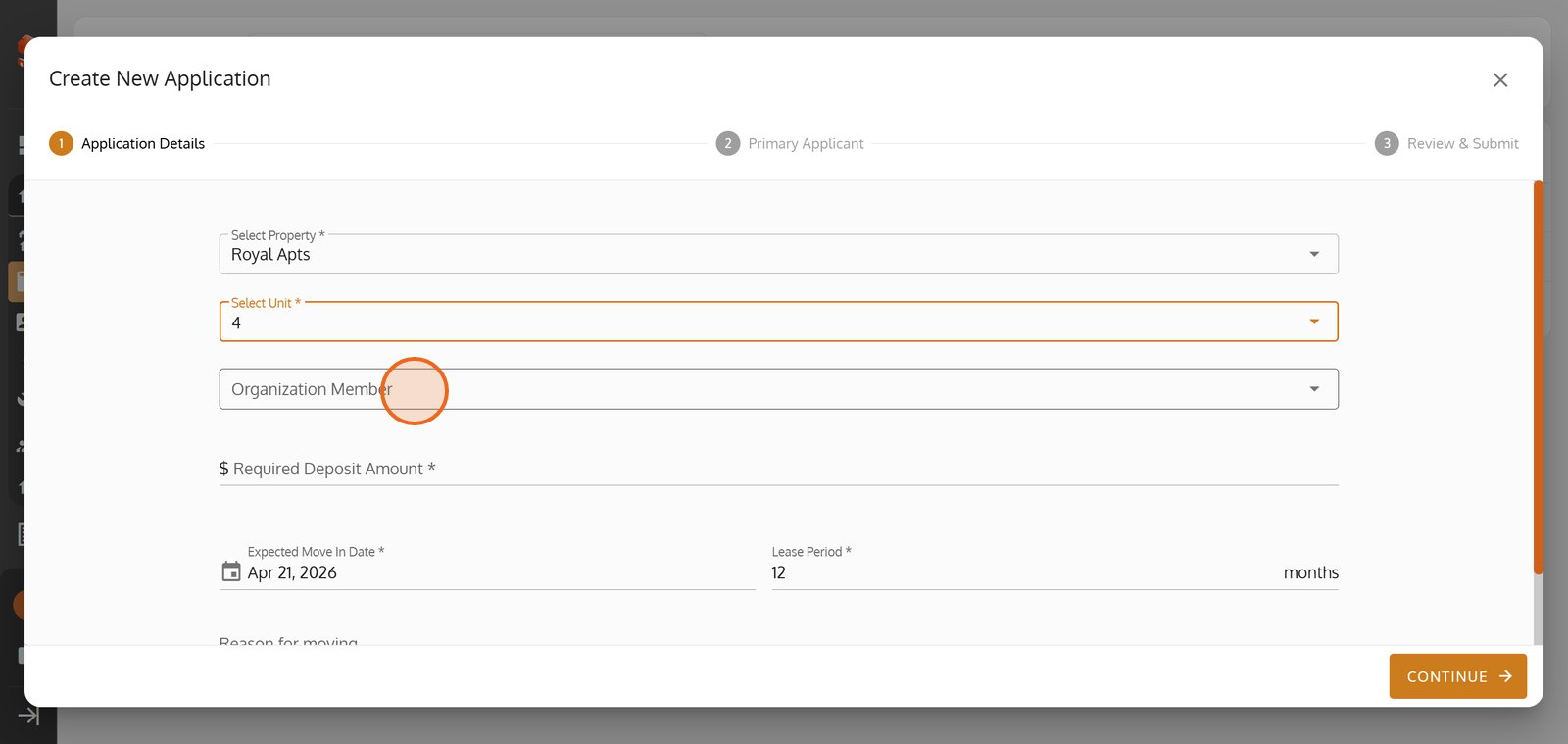
9.
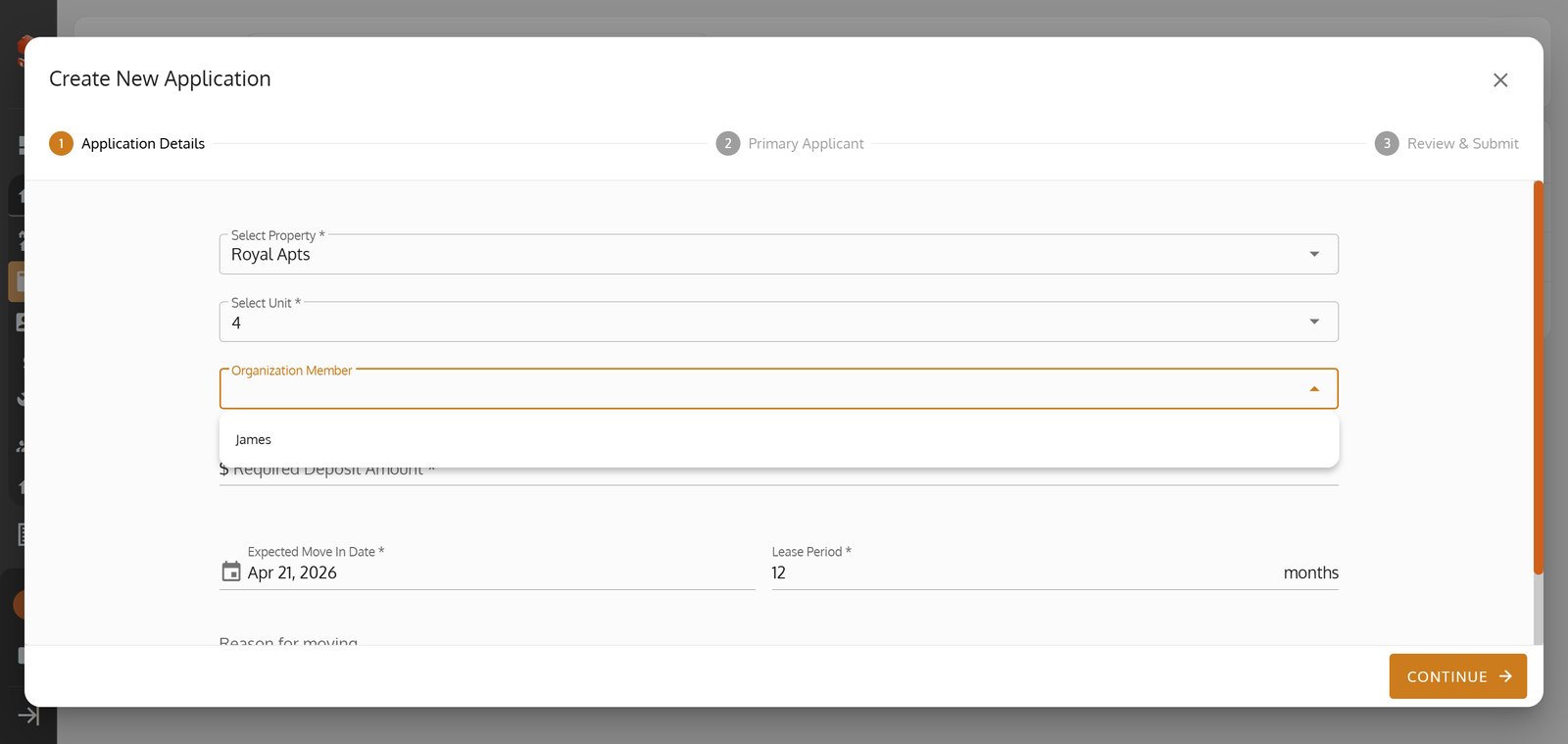
10.
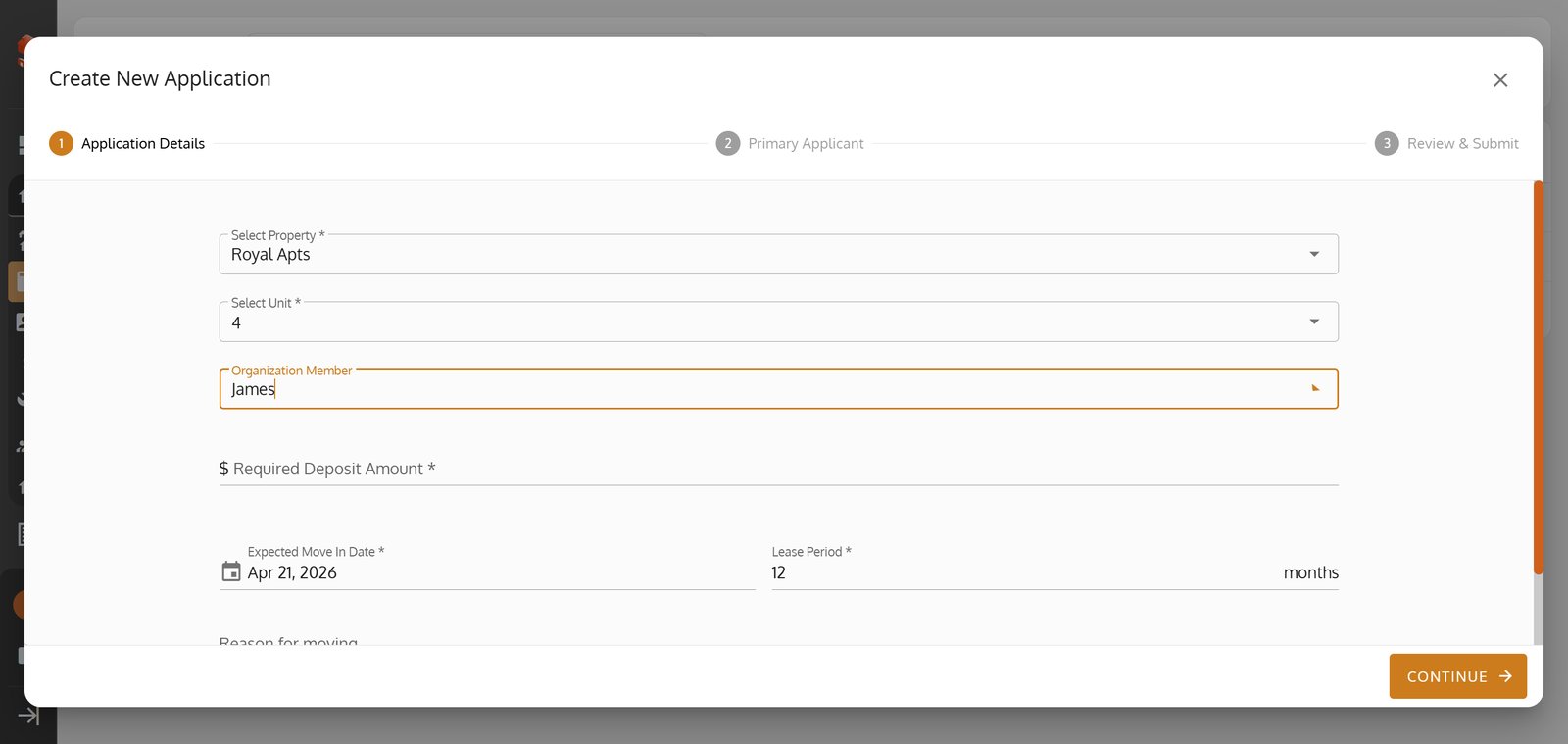
11. Click 'CONTINUE' to proceed to the next application step.
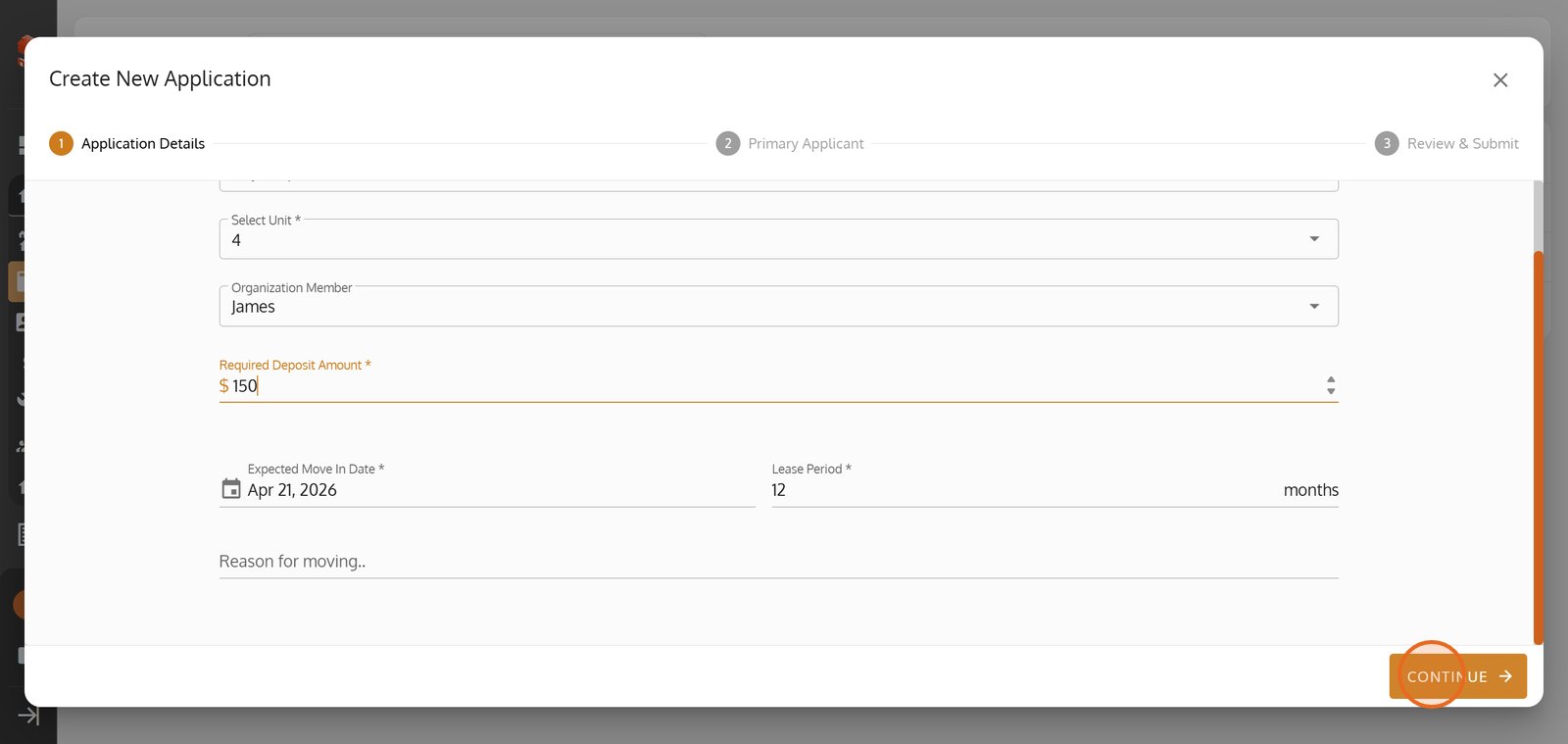
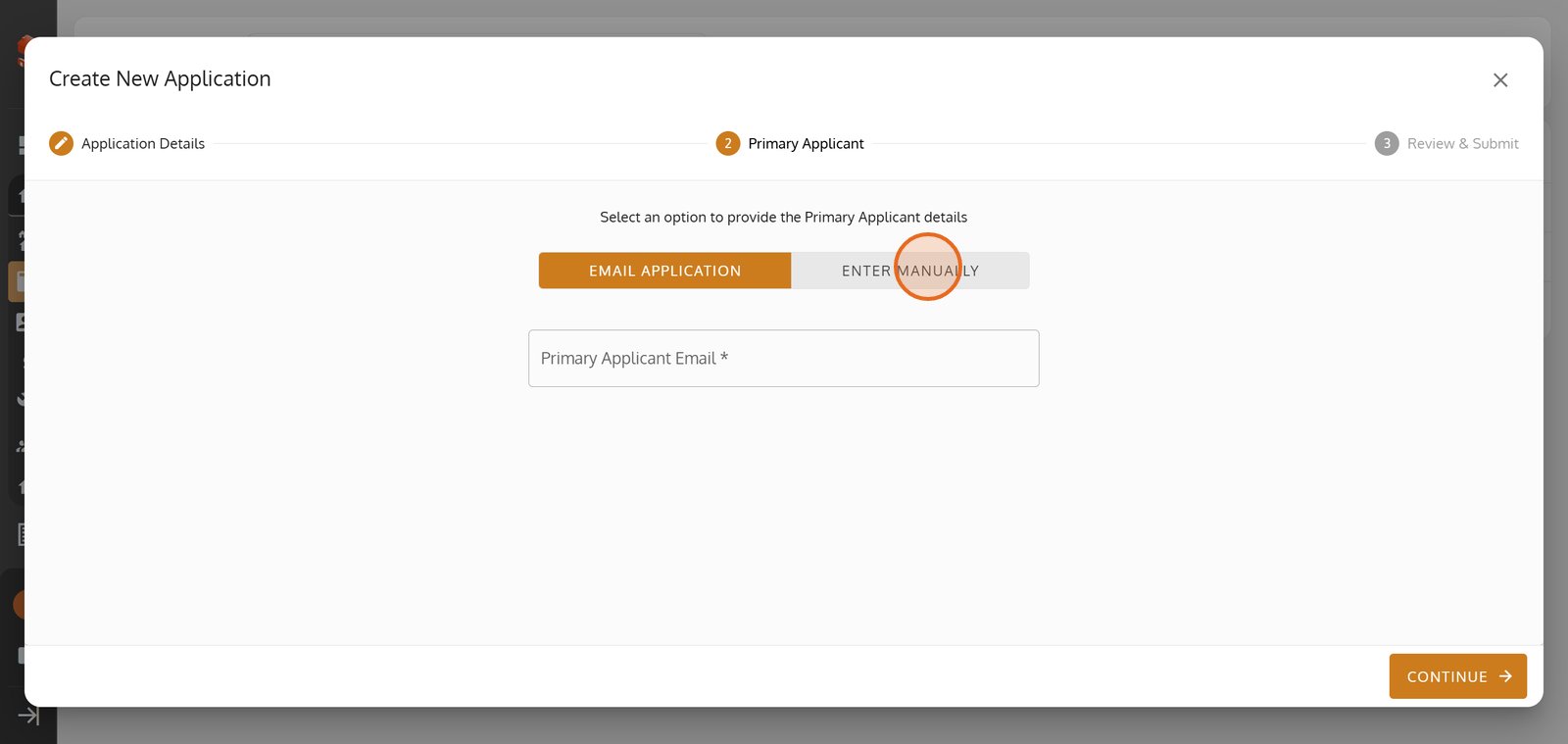
12. Opt to manually enter the applicant’s details for quick data entry.
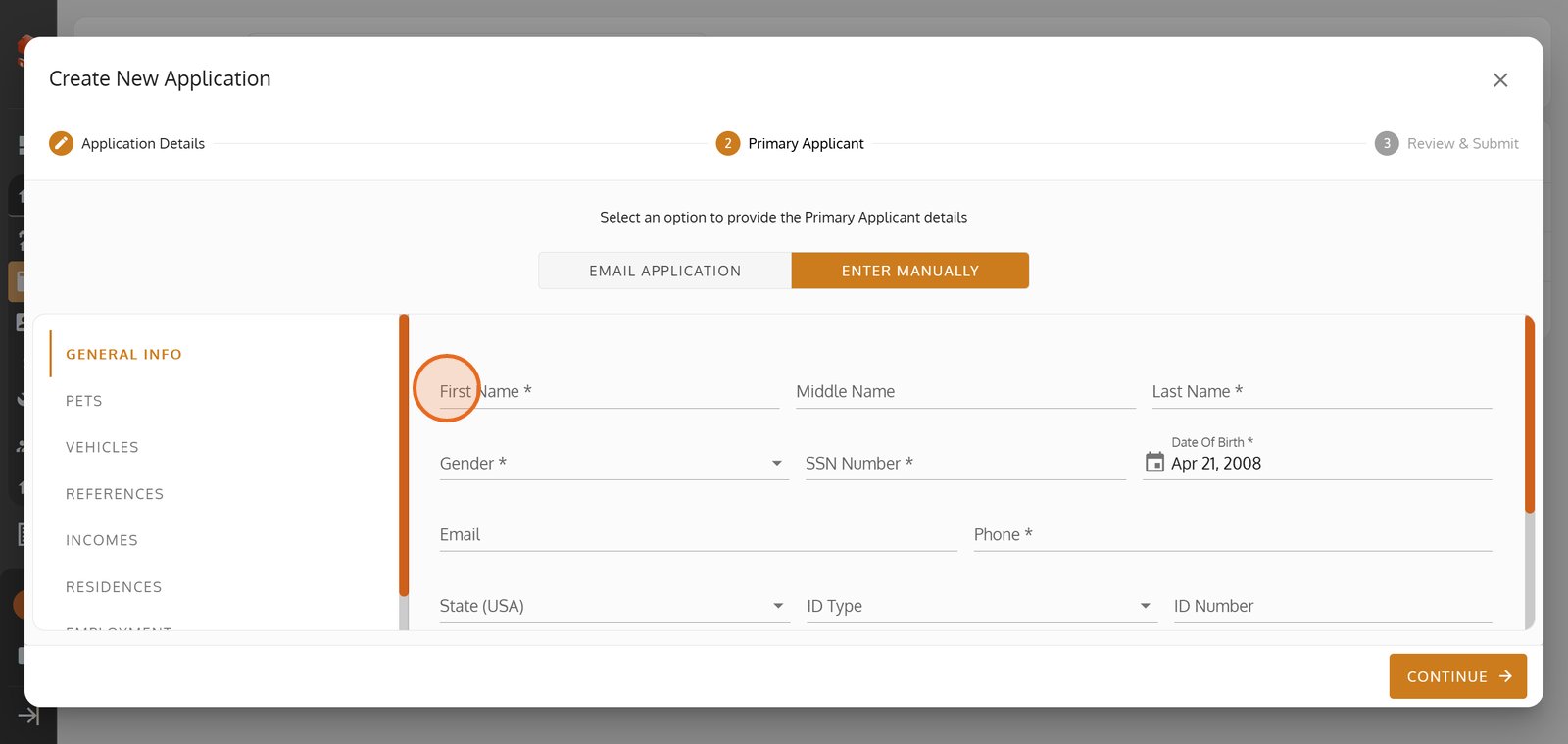
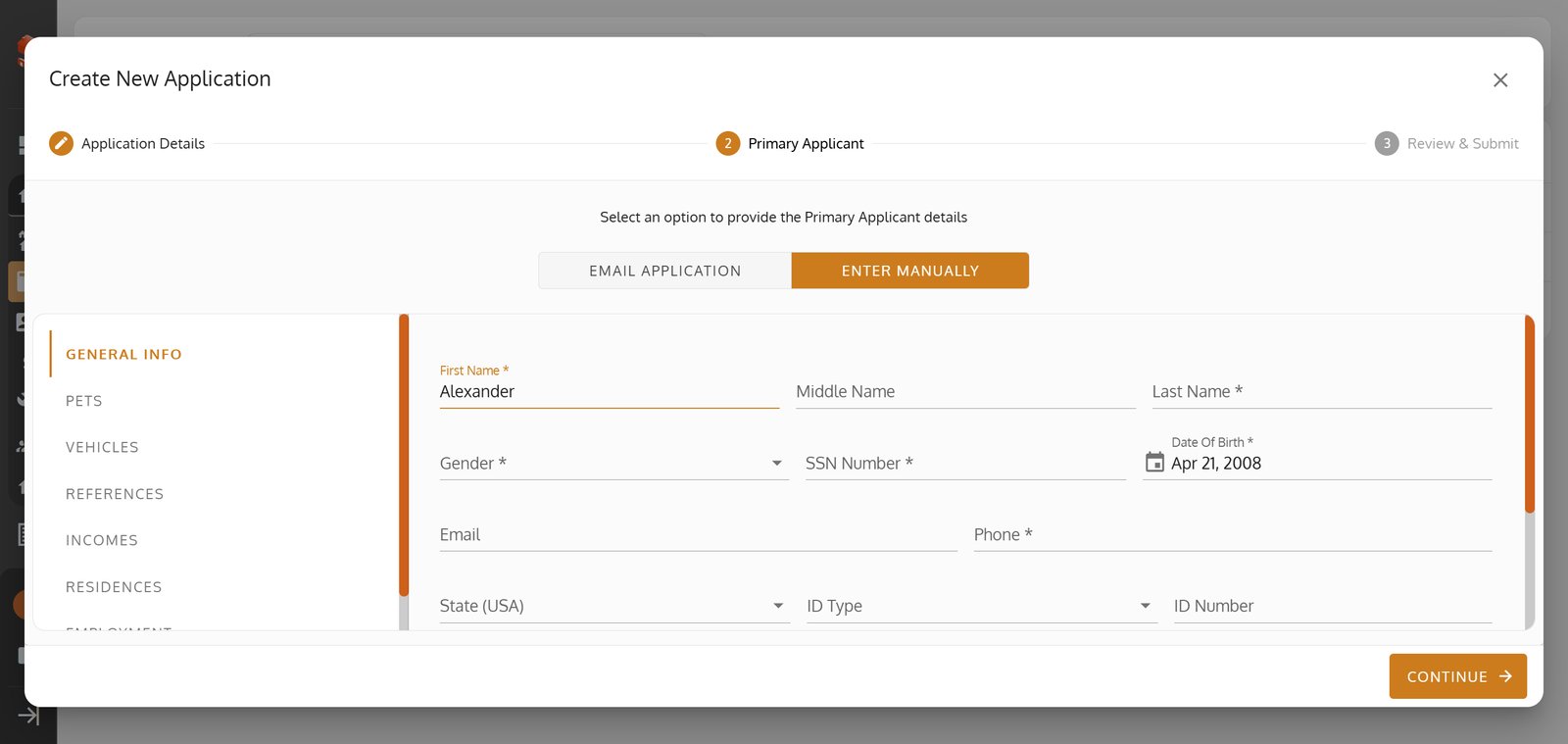
13. Begin by entering the applicant’s first name.
14.
15.
16.
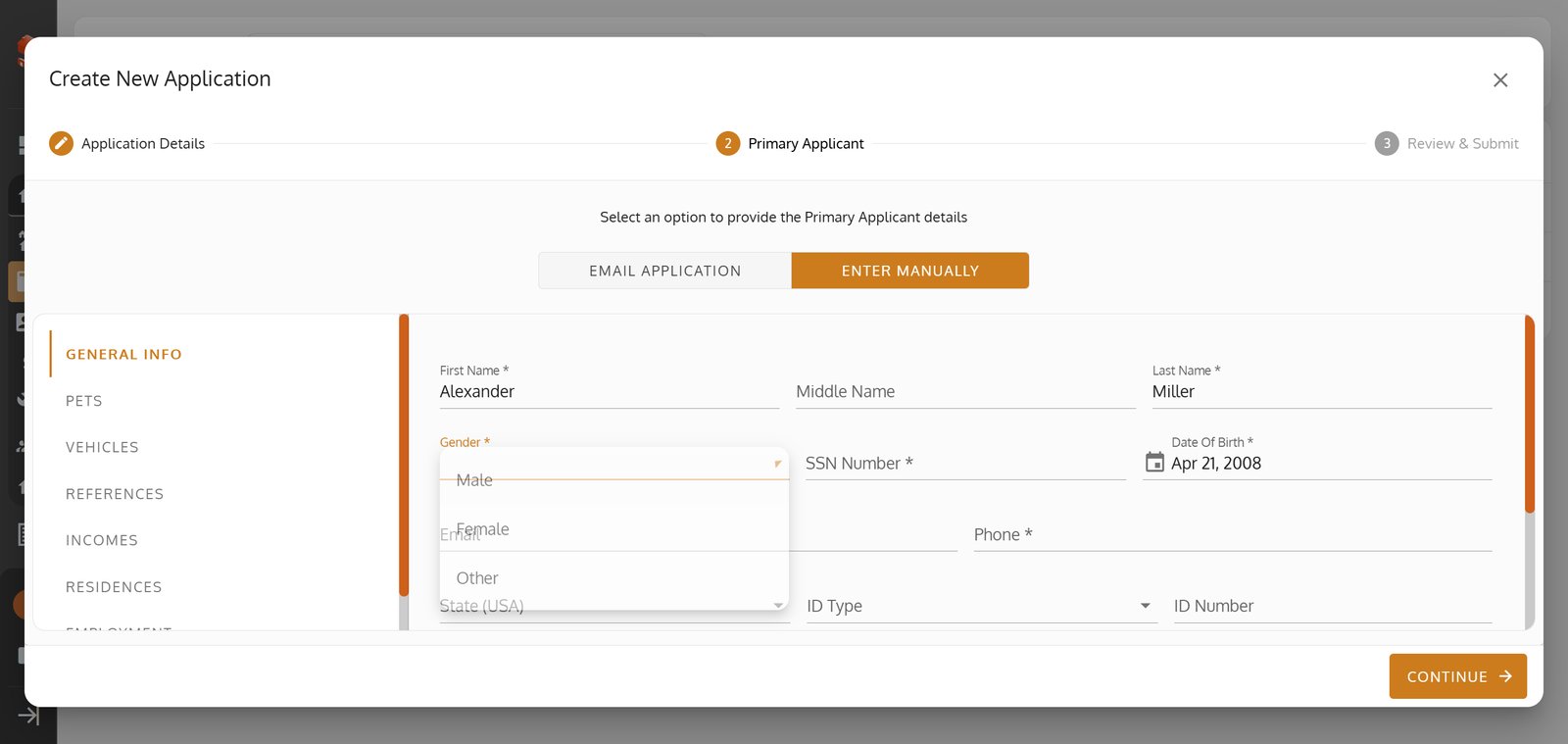
17.
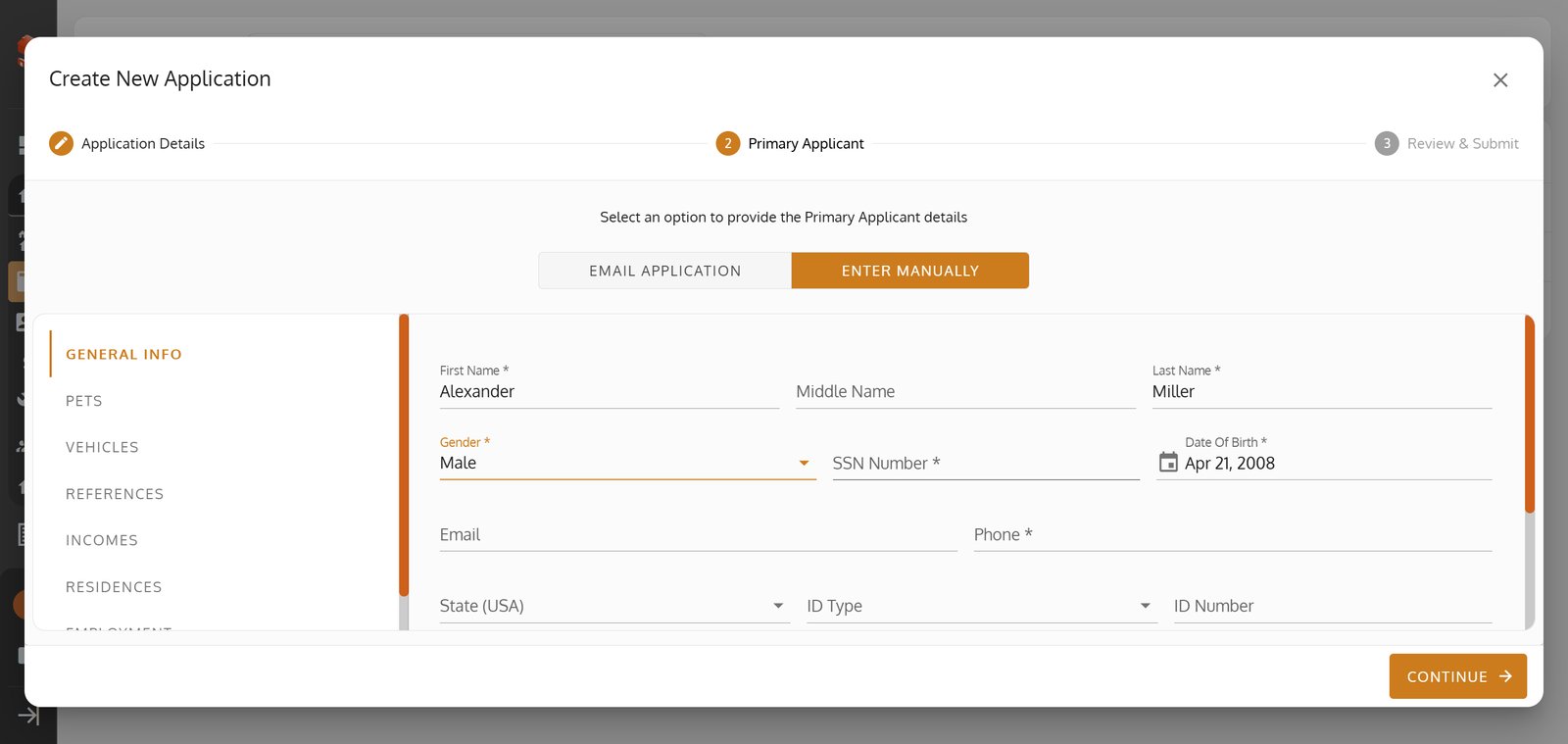
18.
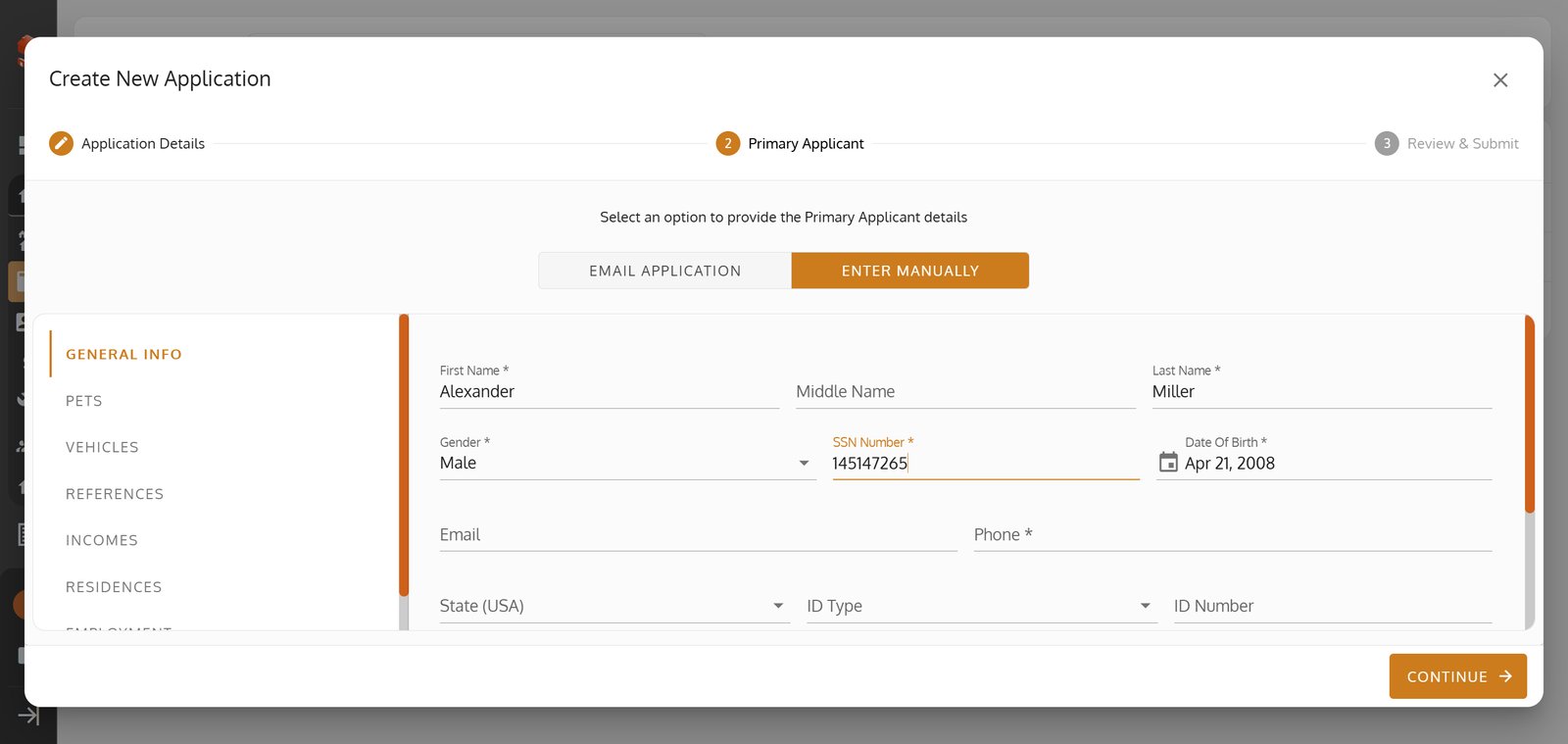
19.
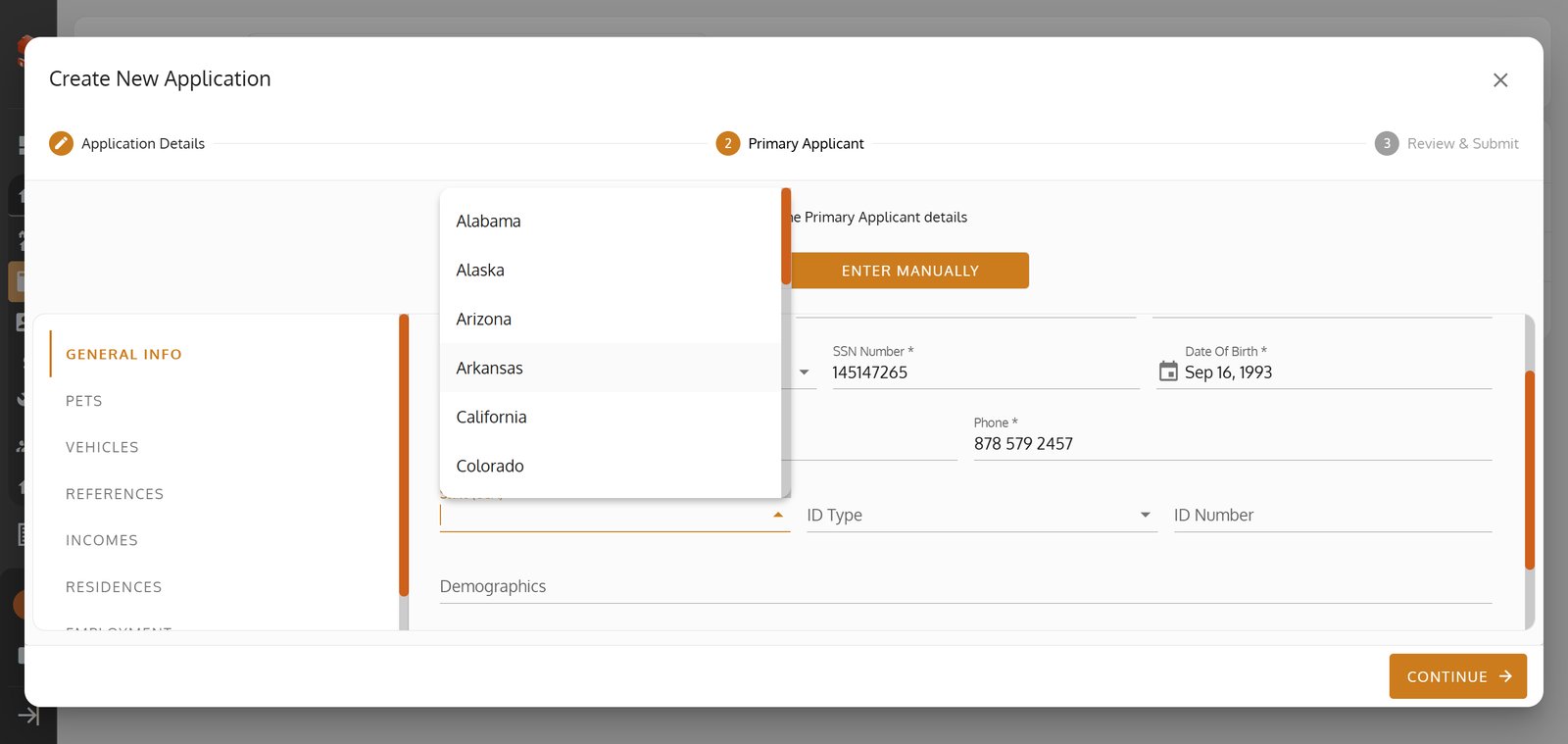
20.
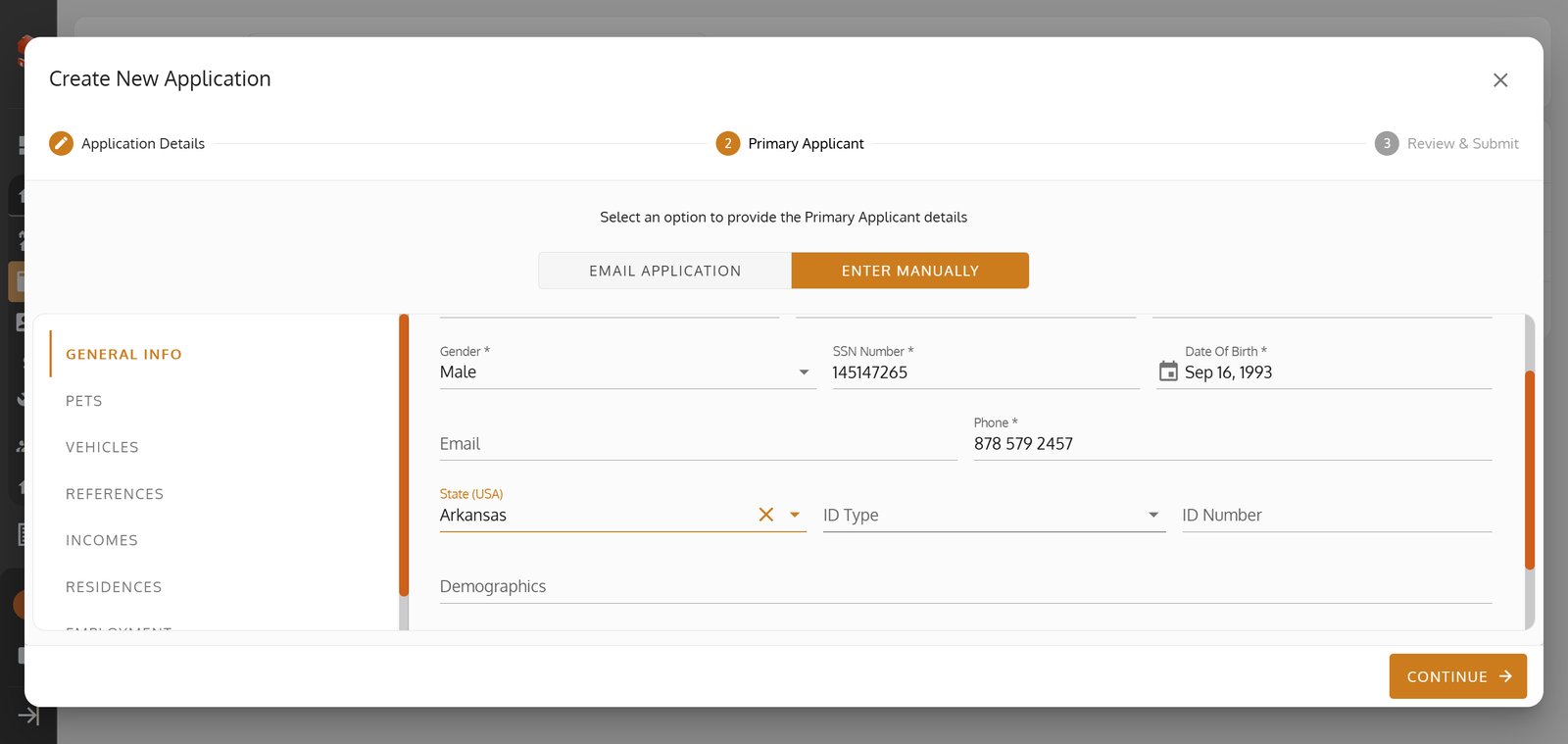
21.
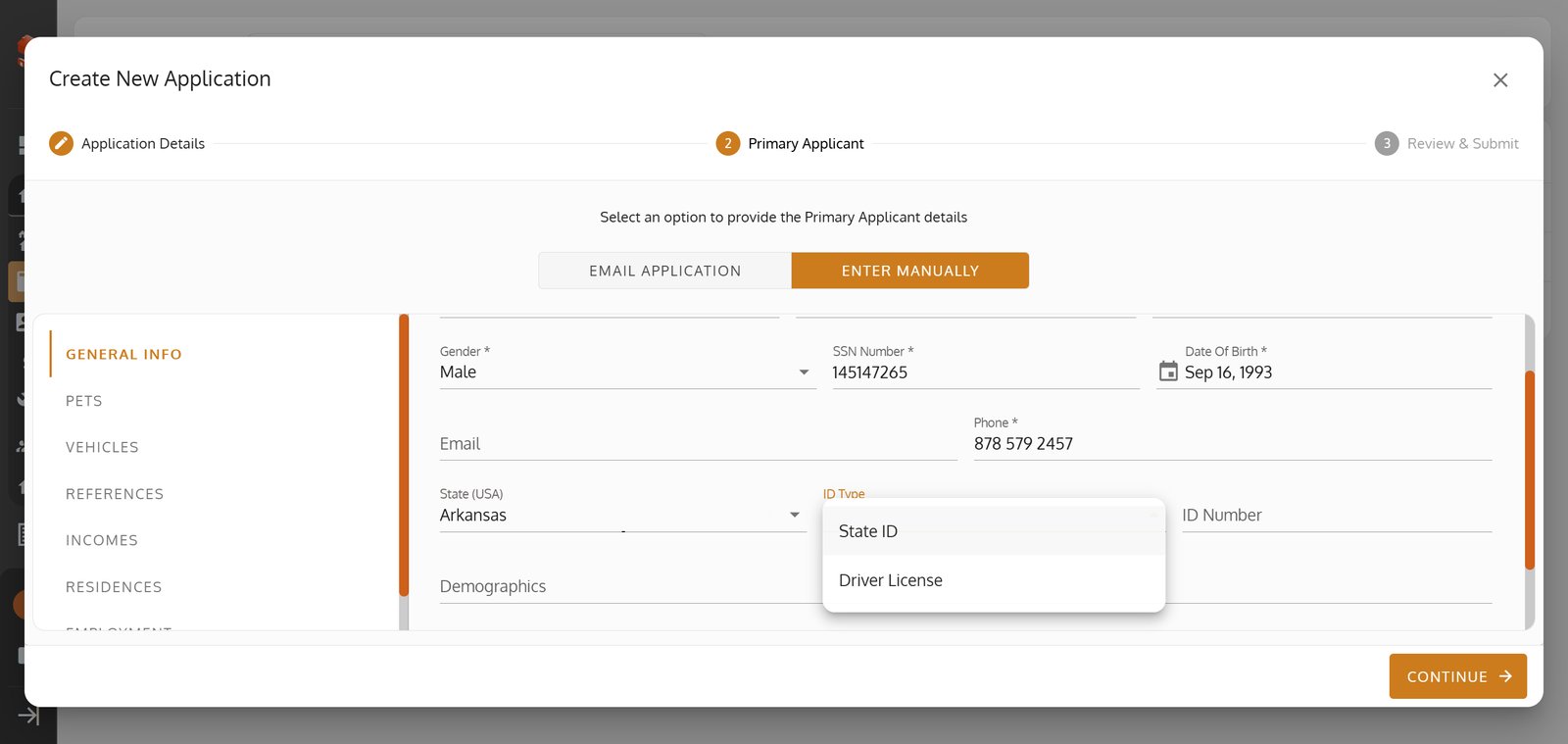
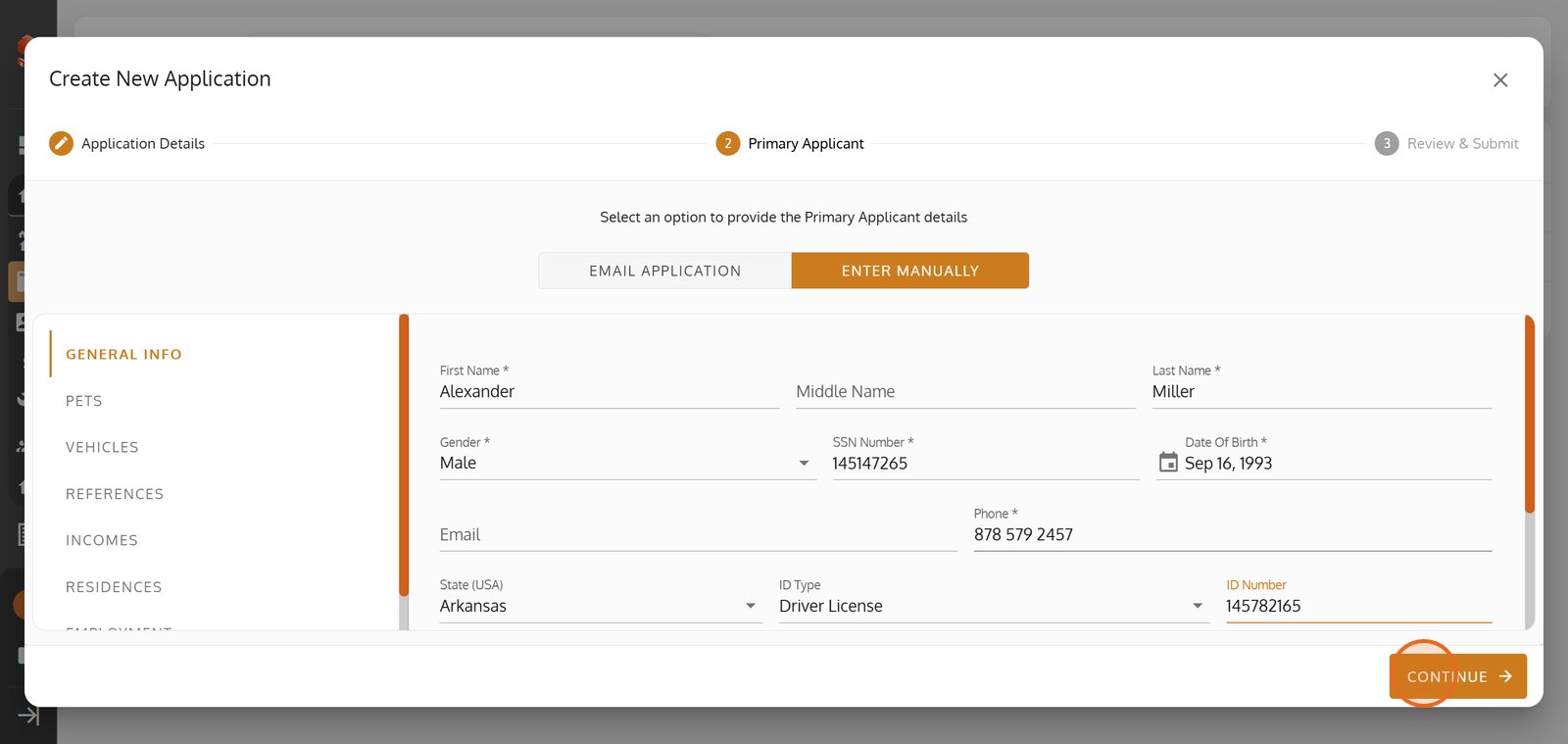
22. Click 'CONTINUE' to move to the final review.
23. Press 'SUBMIT' to send in your new tenant application for quick processing.
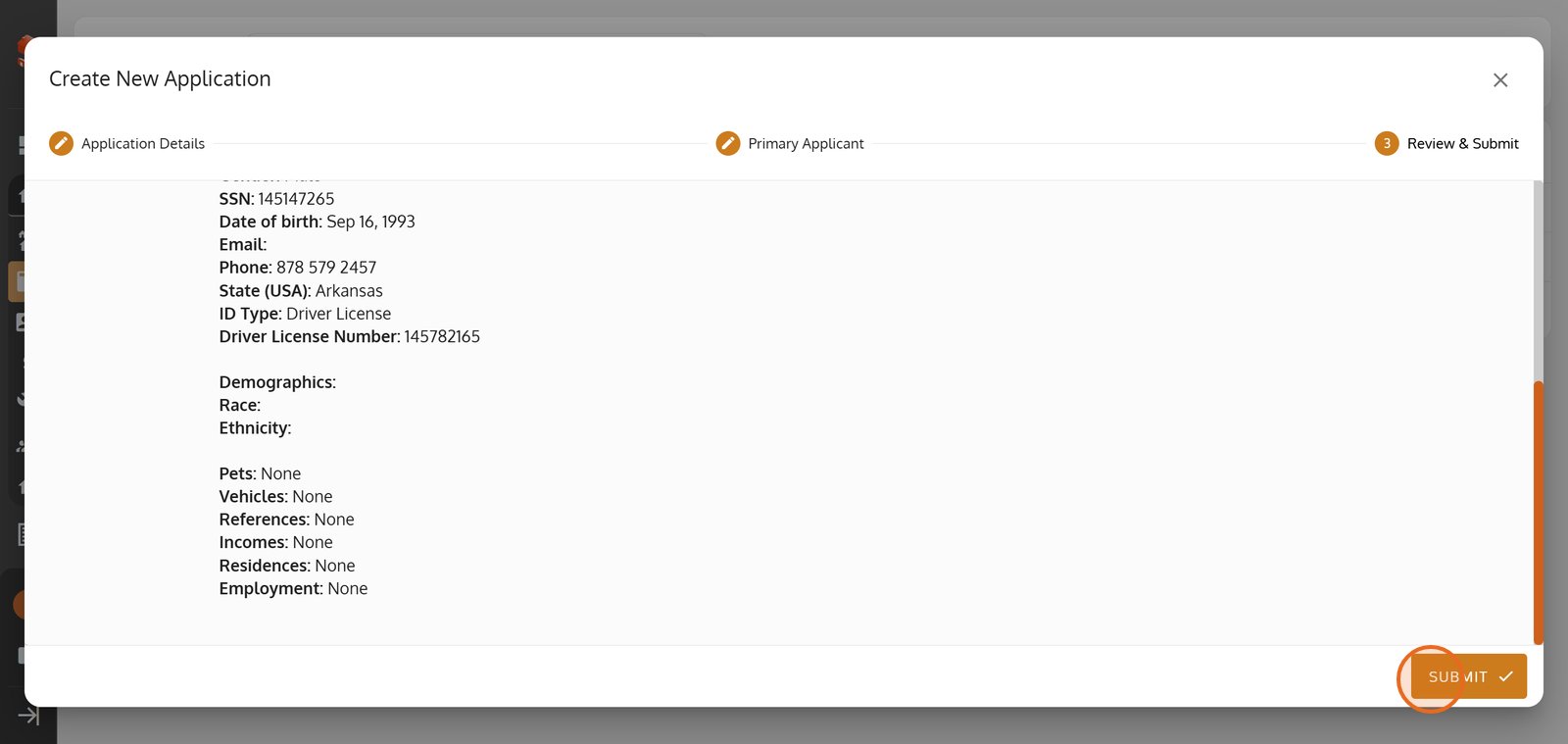
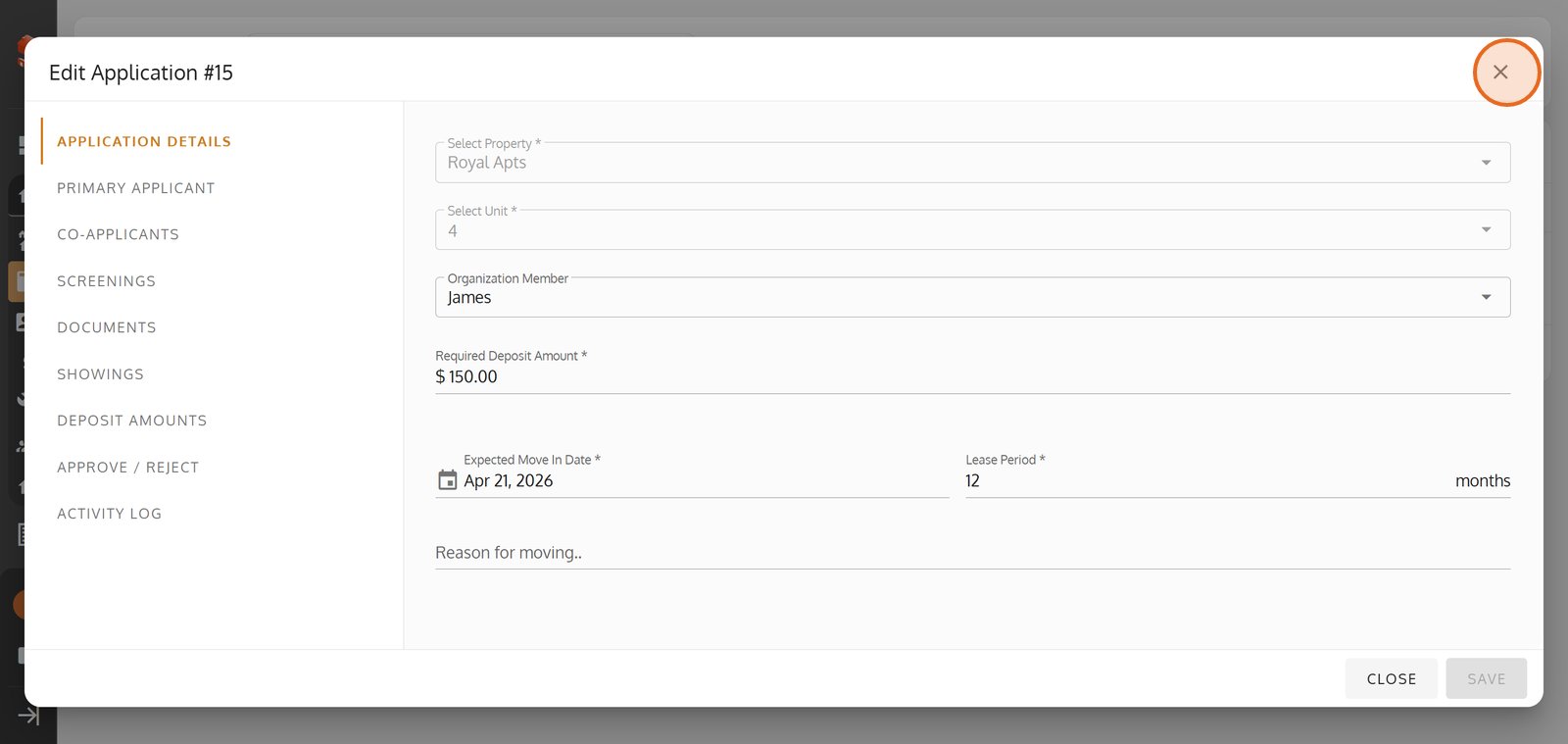
24. Close this window if you want to cancel or review your edits later.
25.